Design Your Phone to Stop Doom Scrolling: 6 Frictions
Willpower loses to a phone engineered to be opened. The research-backed fix isn't more discipline — it's redesigning the device so the scroll takes a few extra seconds. Here are six frictions, ranked by what the studies actually show works.
By Hilly Shore Labs
Key Takeaways
- Friction beats willpower — in a controlled trial, adopting simple phone-design changes cut screen time 57 min/day vs 11 in the control group, with no in-the-moment self-control.
- Distance is the strongest single move — a phone's mere presence drains cognitive capacity even when silent and face-down, so put it in another room, not just out of hand.
- The easy exit, not the guilt message, is the active ingredient — a self-nudge study found a motivational pop-up alone did almost nothing; a short delay plus a one-tap way out is what reduced opens.
- Grayscale helps but isn't a cure — it makes the feed less rewarding, yet people often keep checking just as often, so use it as one friction in a stack.
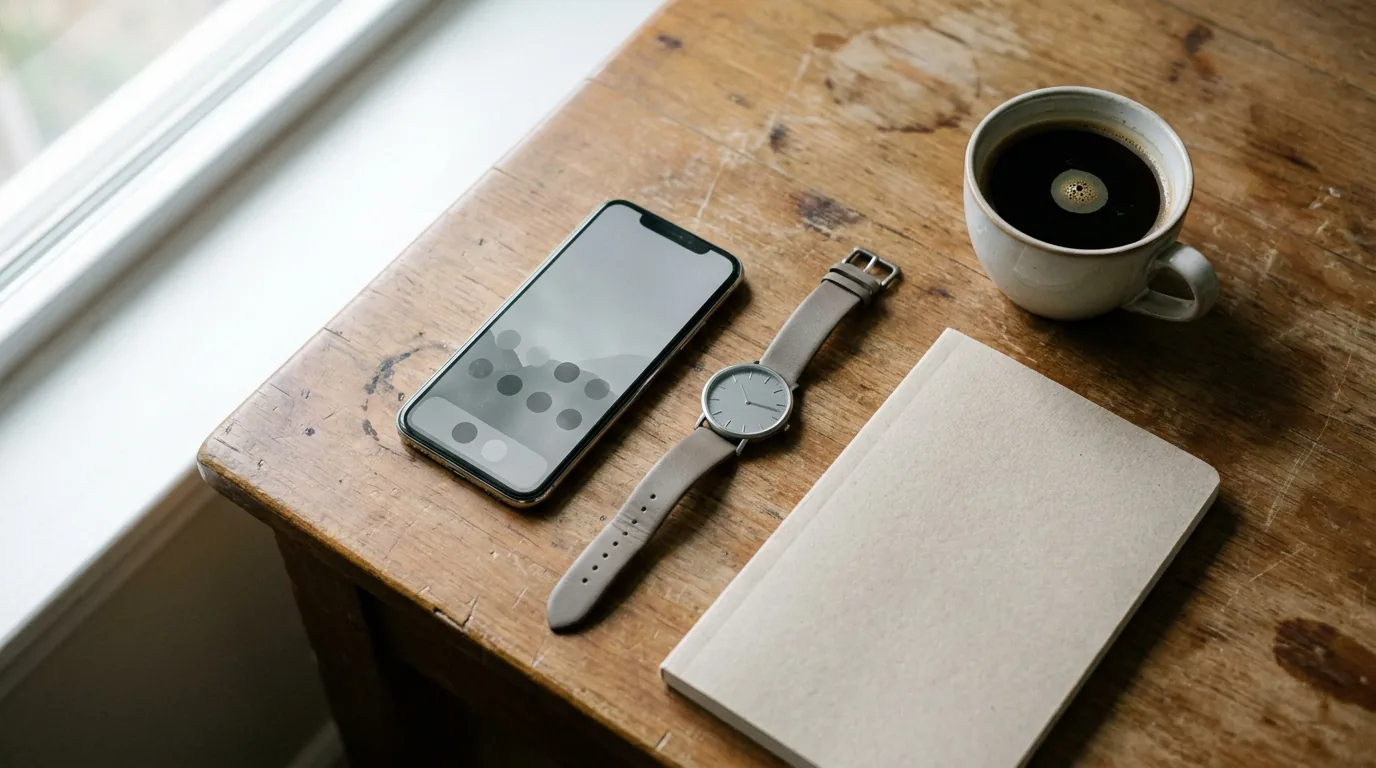
You promise yourself you'll stop checking your phone, and twenty minutes later you're three accounts deep with no memory of deciding to open anything. That isn't weak willpower — it's a device engineered to be opened. The research points to a better strategy: stop relying on intention and redesign the phone so scrolling takes a little more effort. Friction beats willpower, reliably.
Our guide on how to stop doom scrolling covers the urges and habits; this is the device setup itself. Six frictions, ranked by evidence, plus the popular tweak that barely helps.
Why willpower keeps losing to your phone
In a 2017 study in the Journal of the Association for Consumer Research, Adrian Ward and colleagues showed that the mere presence of your own smartphone — face-down, silent, untouched — measurably reduced available cognitive capacity. People successfully resisting the urge to check still did worse on attention and memory tasks than people whose phones were in another room, and the drain was largest for the most phone-dependent.
The cost is paid even when you win — part of your mind guards the phone either way. The fix is structural: change what the phone makes easy.
The proof that friction beats intention
The strongest evidence is a 2022 randomized controlled trial by Jay Olson and colleagues in the International Journal of Mental Health and Addiction. People adopted a menu of simple phone-design changes — silence and hide the phone, disable non-essential notifications, bury or delete social apps, switch on grayscale, keep the phone out of the bedroom.
The intervention group cut screen time by 57 minutes a day; the control group dropped only 11. Problematic-use scores fell back to normal and stayed there for at least six weeks — no gritting teeth, just a one-time setup.
A 2023 PNAS study by David Grüning and colleagues pinned down which part does the work. Using the self-nudge app "one sec" across 280 people, attempts to open target apps dropped 37% by week six — and the active ingredient was offering an easy way to back out at the moment of opening. A short delay also helped. A motivational "do you really want to?" message, on its own, did almost nothing.
The six frictions, ranked by evidence
The first three are the heavy hitters; the rest stack. You don't need all six.
1. Put physical distance between you and the phone
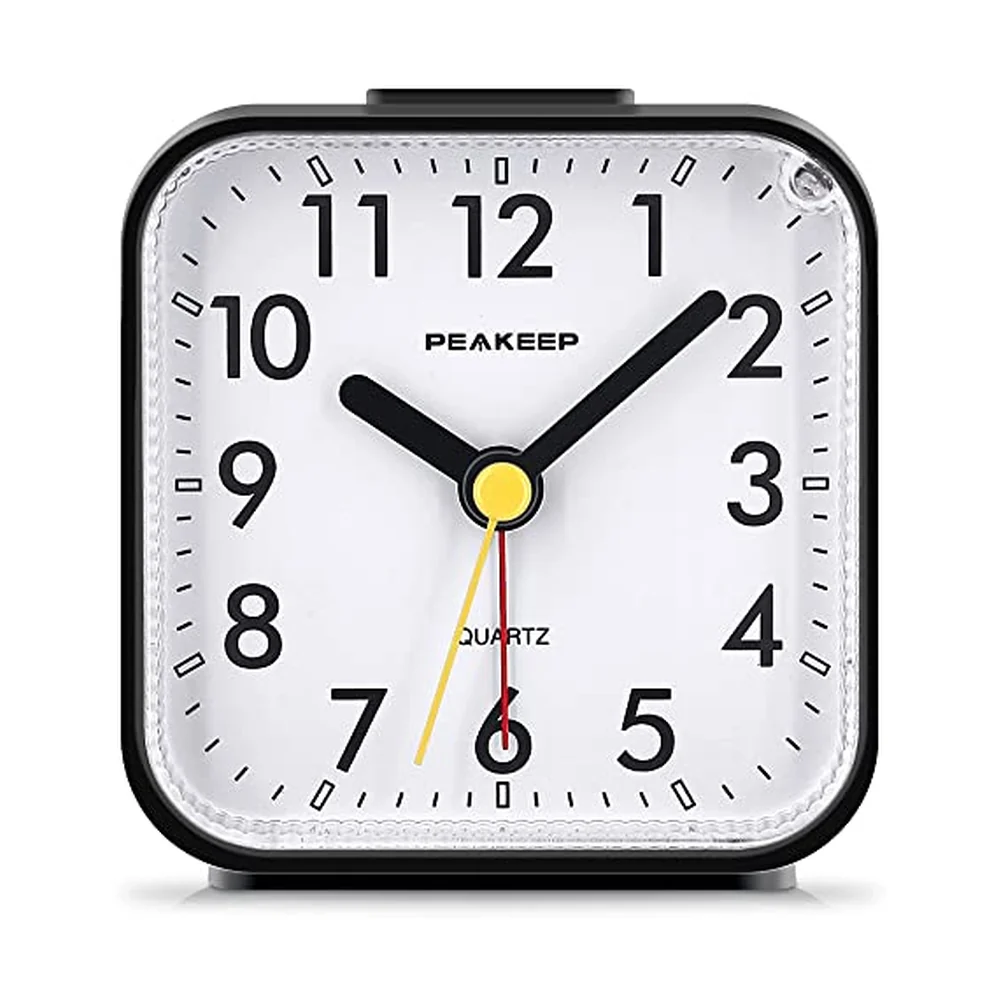
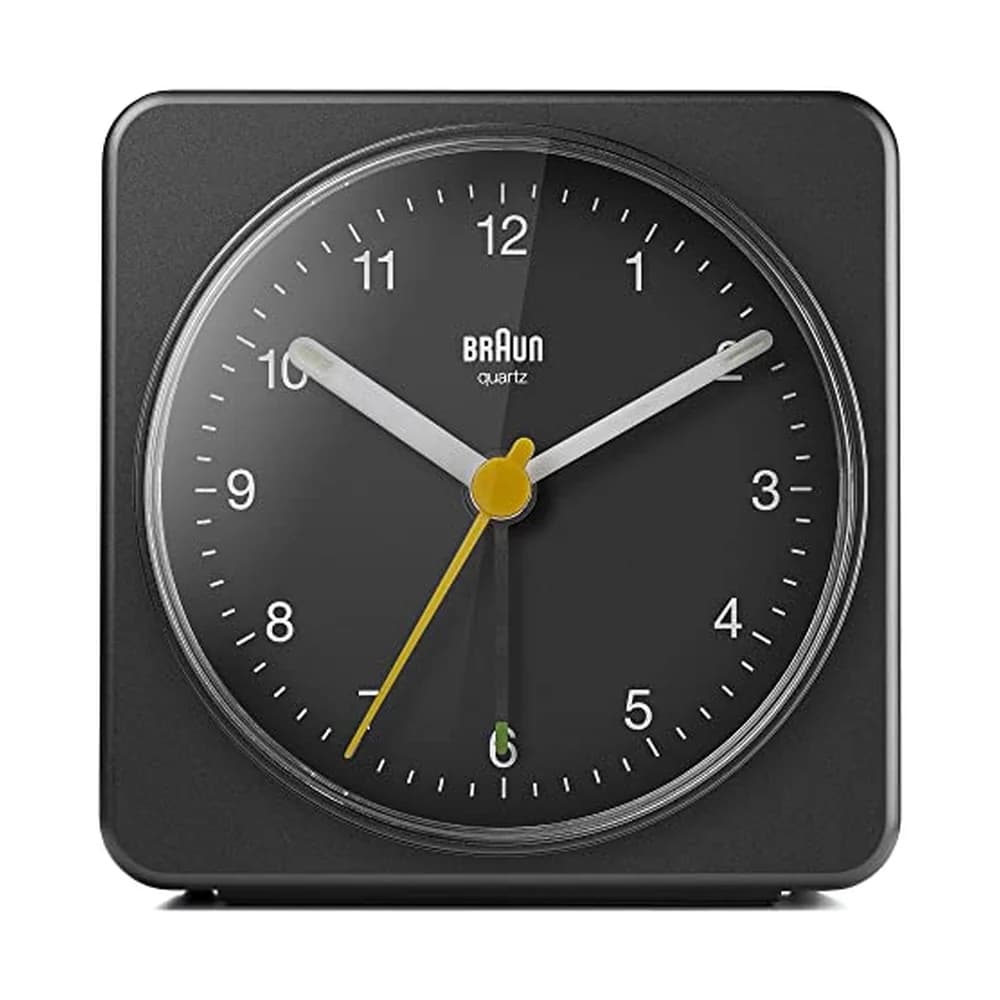
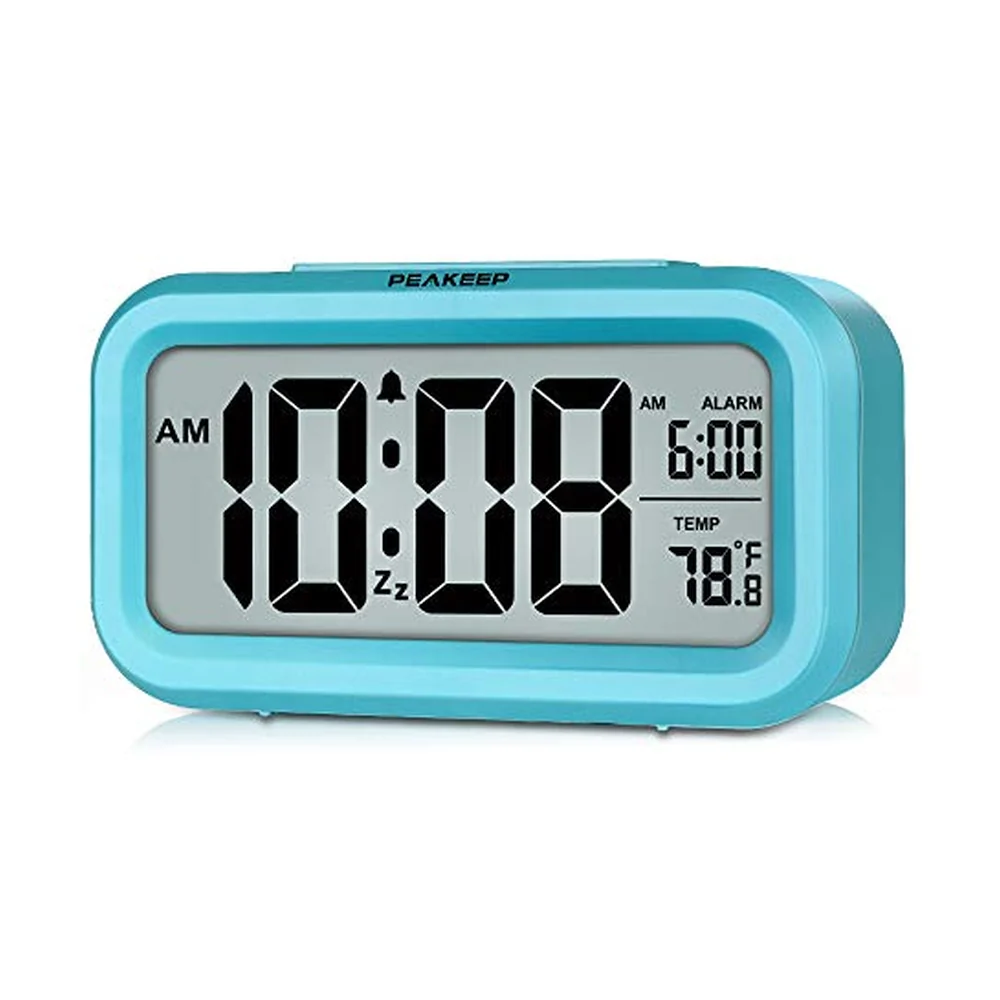
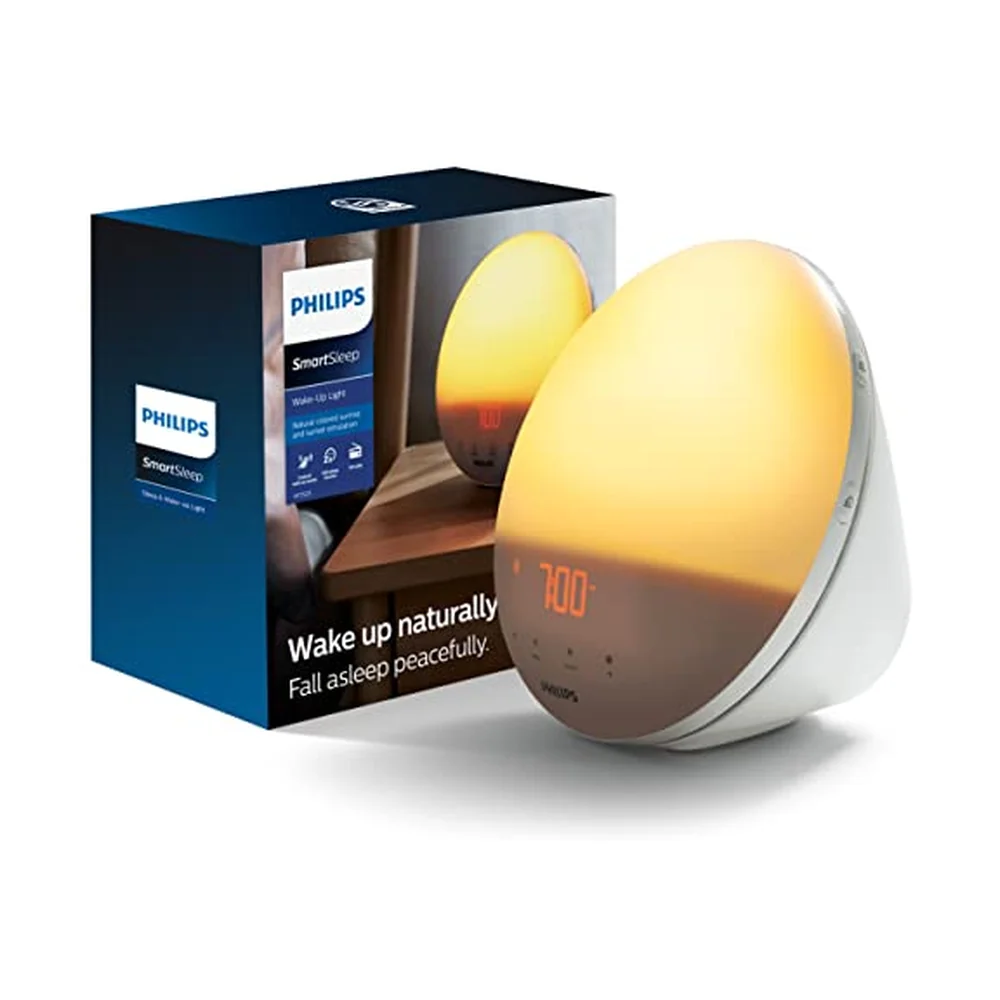
The single best move, straight from the brain-drain research: when you need to focus, the phone goes in another room, not face-down on the desk. At night, charge it outside the bedroom — a $10 alarm clock removes its excuse to be on the nightstand. Distance has the most consistent support of any friction.
2. Delete or deeply bury the scroll apps
If the app isn't on your home screen, the automatic tap-tap-tap no longer lands on anything. Delete the worst offenders and use them only in a browser, which is clumsier on purpose; move the rest into a folder three swipes deep. Add navigation cost to what you want to use less.
3. Add an opening pause with an easy exit
This is the precise lever the PNAS study isolated: a short delay before a target app opens, paired with a frictionless "close it" button. Built-in screen-time tools and apps like one sec can insert the pause. The exit ramp is the point — backing out must be trivially easy, not scolded by a guilt message.
4. Kill non-essential notifications
Every banner is a manufactured trigger that pulls you into the phone, where the scroll begins. Turn off notifications for everything that isn't a real person needing a real answer — no badge counts, no "someone liked your post."
5. Turn the screen grayscale
A 2023 randomized study in Current Psychology ("Color me calm," N=133) found grayscale significantly reduced problematic smartphone use, anxiety, and screen time. A drained-of-color feed is less rewarding to look at. A real effect — just a modest, supporting one.
6. Make unlocking slightly harder
Require a passcode instead of Face ID or Touch ID for your most-scrolled apps. The few extra seconds break the reflexive, half-conscious open. Minor, but it stacks.
| Friction | What it changes | Evidence strength |
|---|---|---|
| Phone in another room | Removes the cognitive cost of guarding it | Strong (brain-drain study) |
| Delete / bury scroll apps | Breaks the automatic tap path | Strong (nudge RCT) |
| Opening pause + easy exit | Turns an automatic open into a choice | Strong (PNAS self-nudge) |
| Kill notifications | Removes the external trigger | Supporting (nudge RCT) |
| Grayscale screen | Makes the feed less rewarding | Modest (grayscale RCT) |
| Disable Face/Touch ID | Adds seconds to each unlock | Minor (stacks) |
What the research does NOT support
Two popular ideas don't hold up the way they're sold.
The motivational pop-up alone doesn't work. The PNAS study found the "do you really want to open this?" reminder, by itself, was the ineffective ingredient — reasoning with yourself at the moment of temptation is exactly when reasoning is weakest. What worked was structural: the delay and, above all, the easy way out.
Grayscale is not a cure on its own. People often kept checking the phone just as frequently in grayscale, so total time fell without focus necessarily improving. It's one small friction in a stack — switch to grayscale and change nothing else and you get a modest dip, not a transformation.
The 10-minute phone setup
Build it once and stop thinking about it:
- Delete your top two scroll apps — use them in a browser if you must.
- Bury the rest in a deep folder. The home screen holds tools, not feeds.
- Turn off all non-human notifications. Keep messages and calls.
- Set an opening pause on your worst apps, with a one-tap close button.
- Pick a distance rule: another room during deep work, charging outside the bedroom at night — decided once, the same cue-based logic as if-then planning.
And design the replacement, not just the removal. An empty scroll slot refills with another scroll unless something concrete is waiting — a book within reach, a walk, a single small task, or a deck you pull one card from when you've got twenty idle minutes.
Why a non-phone tool helps here
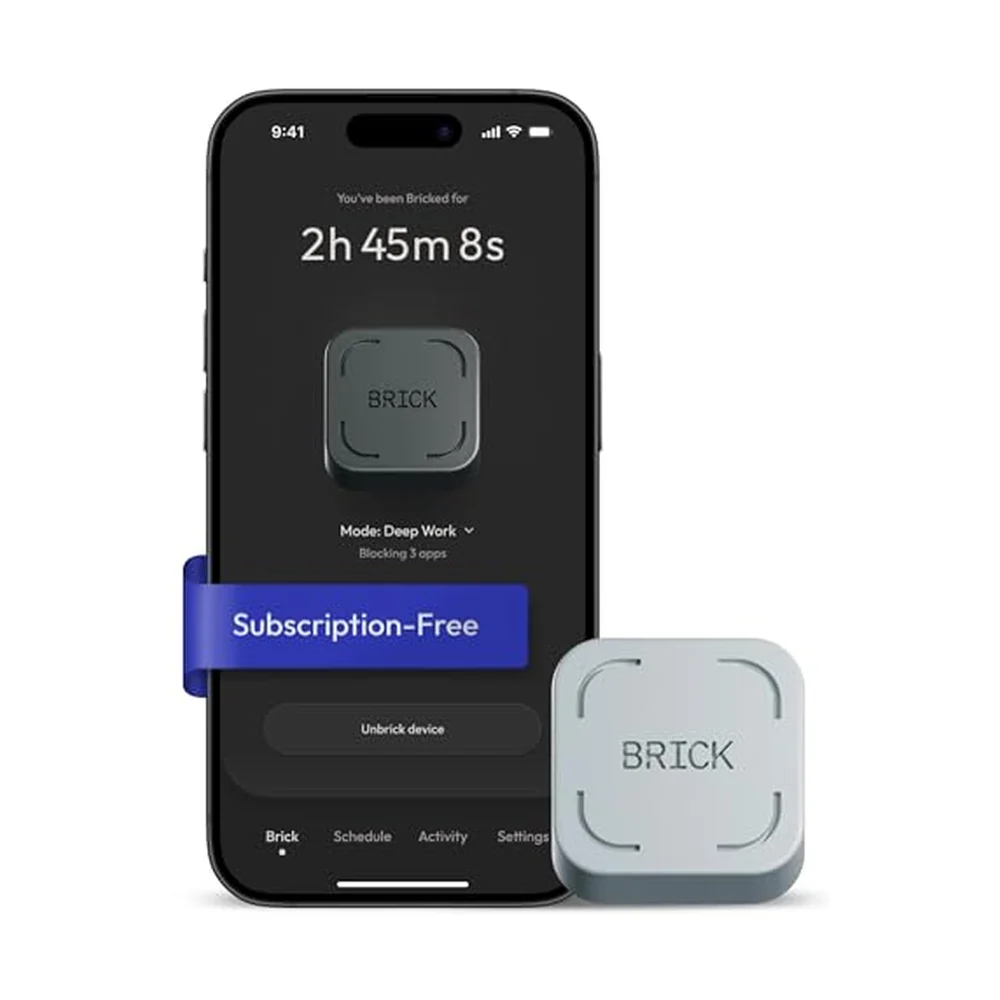
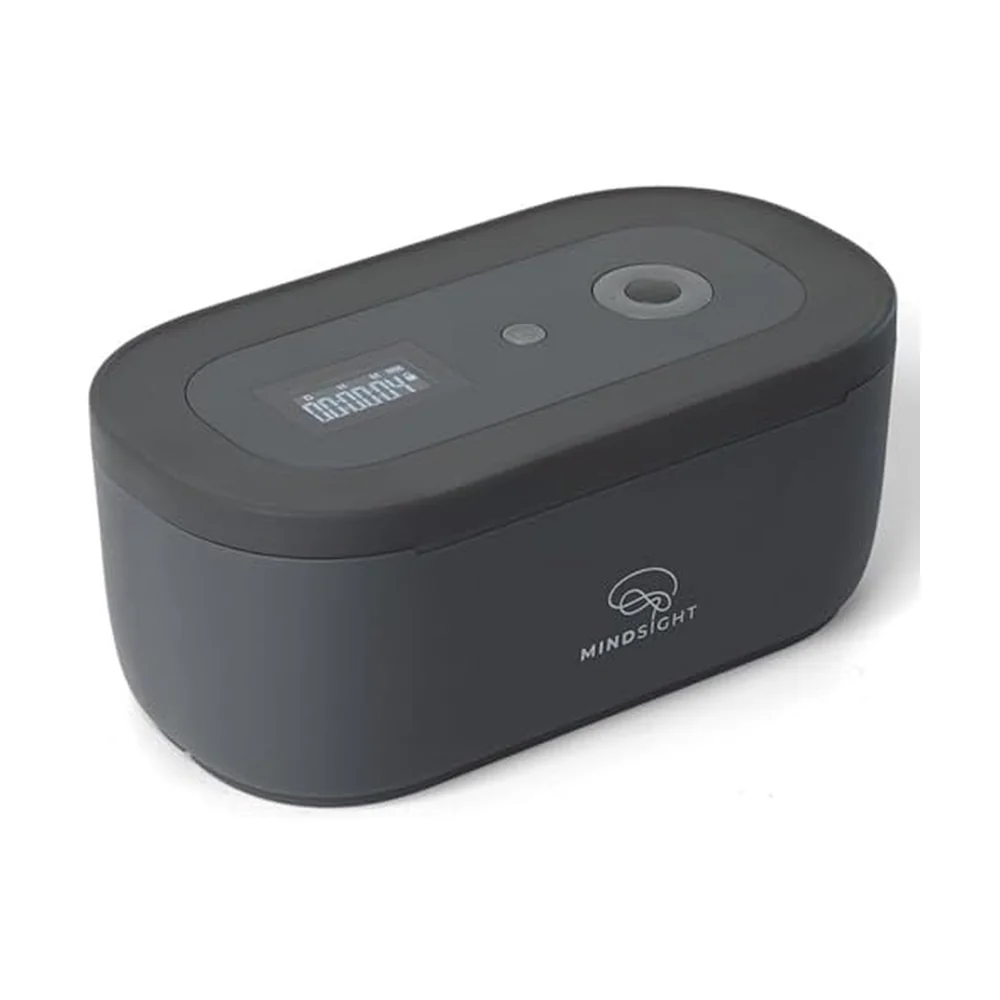
The trouble with beating doom scrolling on the phone is that your timer, your notes, and your "just one productive thing" app live there too — so every attempt to be intentional routes back through the device you're escaping. A physical object has no feed, no notifications, no infinite scroll. It's part of why analog works: when the alternative doesn't require unlocking the phone, the friction finally runs in your favor.
Phone Design FAQ
Does putting my phone in another room really help if it's silent?
Yes — the brain-drain research found the cognitive cost came from the phone's mere presence, even silent and face-down, because part of your attention is spent resisting it. Out of sight, not just out of hand, is what frees those resources.
Is grayscale actually worth doing?
Modestly. A randomized study found grayscale reduced problematic use, anxiety, and screen time — but people often kept checking just as often. Treat it as one friction in a stack, not a standalone cure.
Why don't motivational reminders or app timers work for me?
A one-tap-dismiss timer adds no real friction, and the self-nudge research found the motivational message alone was ineffective. What worked was a short delay plus an easy way to back out — make the exit easy, not the guilt loud.
Sources
- Ward et al. (2017). Brain Drain: The Mere Presence of One's Own Smartphone Reduces Available Cognitive Capacity. J. Assoc. Consumer Research.
- Olson et al. (2022). A Nudge-Based Intervention to Reduce Problematic Smartphone Use: RCT. Int. J. Mental Health & Addiction.
- Grüning, Riedel & Lorenz-Spreen (2023). Directing smartphone use through the self-nudge app one sec. PNAS, 120(8).
- Holte & Ferraro (2023). Color me calm: Grayscale phone setting reduces anxiety and problematic smartphone use. Current Psychology.
What people on Reddit actually say
- r/nosurf🔥 loud consensus
r/nosurf consensus is that environment design beats discipline every time — the people who succeed deleted the apps and moved the phone away rather than relying on willpower to resist a few inches away.
- r/digitalminimalism⬆ strong consensus
On r/digitalminimalism, regulars describe grayscale and a stripped home screen as helpful but insufficient alone — the move that actually sticks is removing the apps from the phone entirely and using a browser when truly needed.
- r/getdisciplined💬 commonly repeated
A recurring r/getdisciplined theme: charging the phone in another room overnight is the highest-return habit people report, because it removes the choice instead of testing it.
Paraphrased consensus from public threads — no direct user quotes.
Tools that help with this
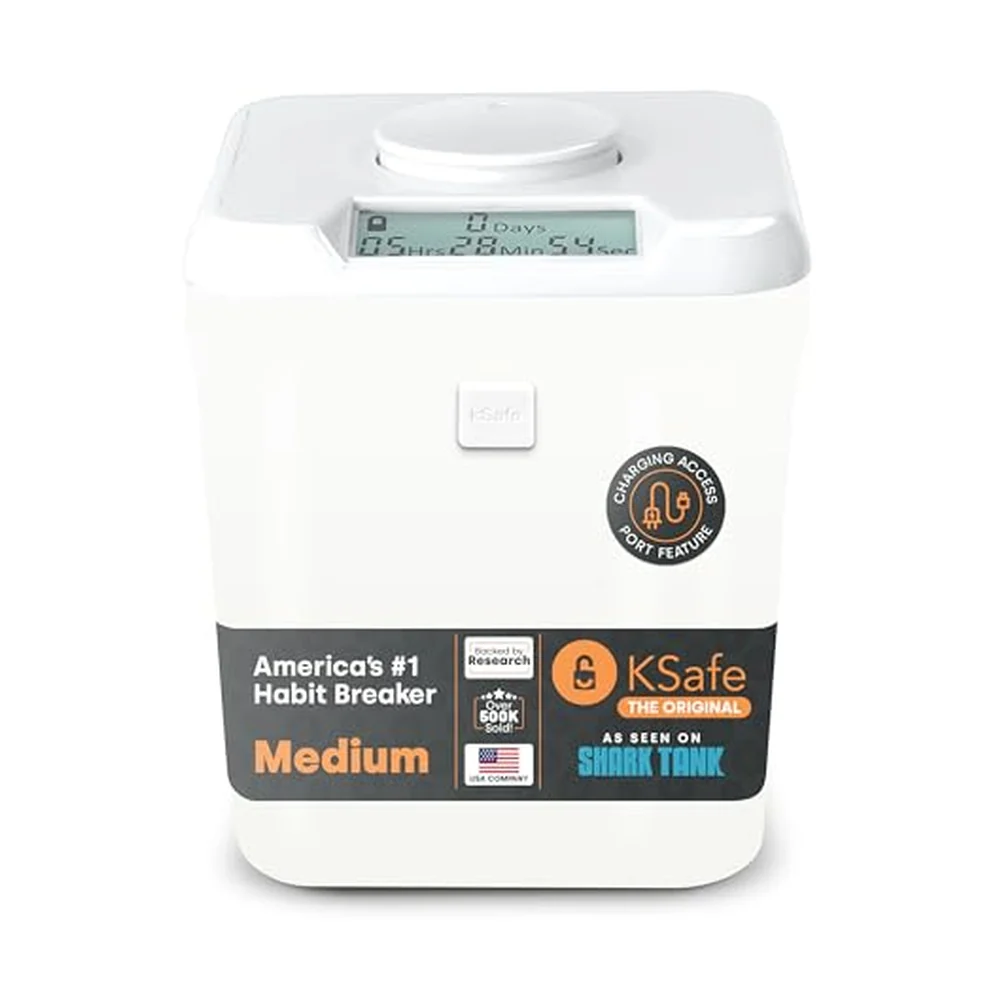
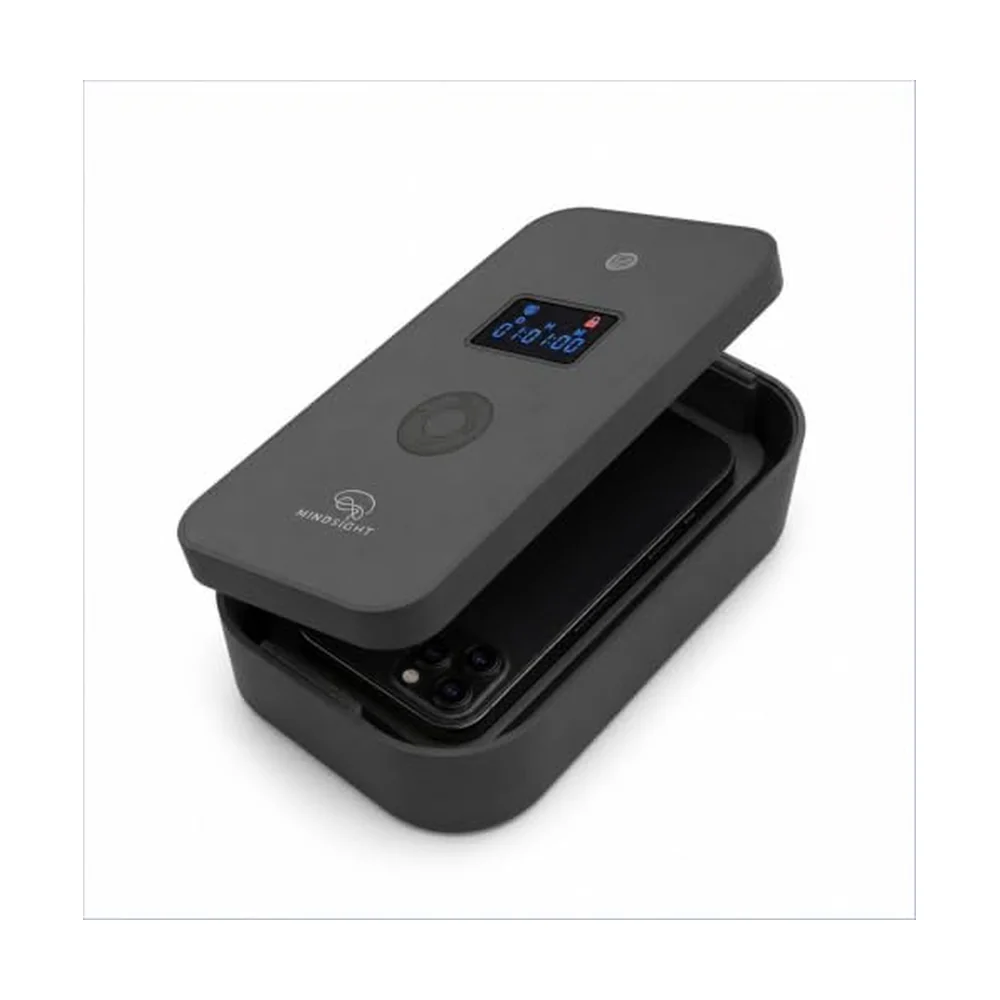
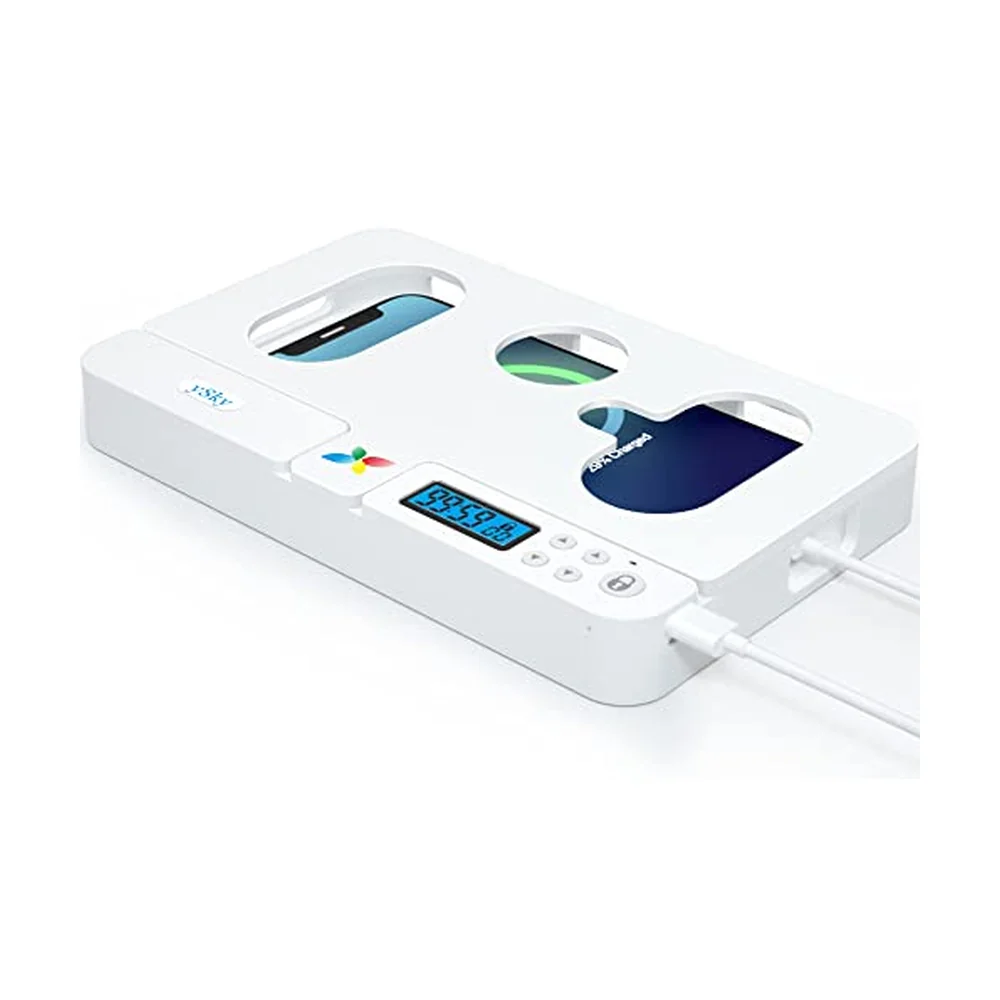

Ready to get unstuck?
The Brain Deck gives you 52 science-backed strategies in your pocket — a physical card deck you keep on your desk, no app required.
See the CardsLaunching soon · 54 cards · Premium matte finish