Why a Full Inbox Drains Focus
Inbox zero sounds clean, but chasing empty can become another checking loop. The better target is closing loops in scheduled batches.
By The Brain Deck Editorial
A full inbox costs you attention between checks, not just while you read — unprocessed mail sits in your head as open loops. Batch email into a few scheduled windows and decide each message once.
Key Takeaways
- A full inbox is an open-loop pile - the cost is the attention residue between checks, not only the minutes spent reading email.
- Literal inbox zero can backfire when it rewards constant checking to keep the scoreboard empty.
- Batching works because it creates edges - email belongs in defined processing windows instead of running as a background tab.
- Use one-touch triage: do, defer, delegate, archive, or delete every message you open.
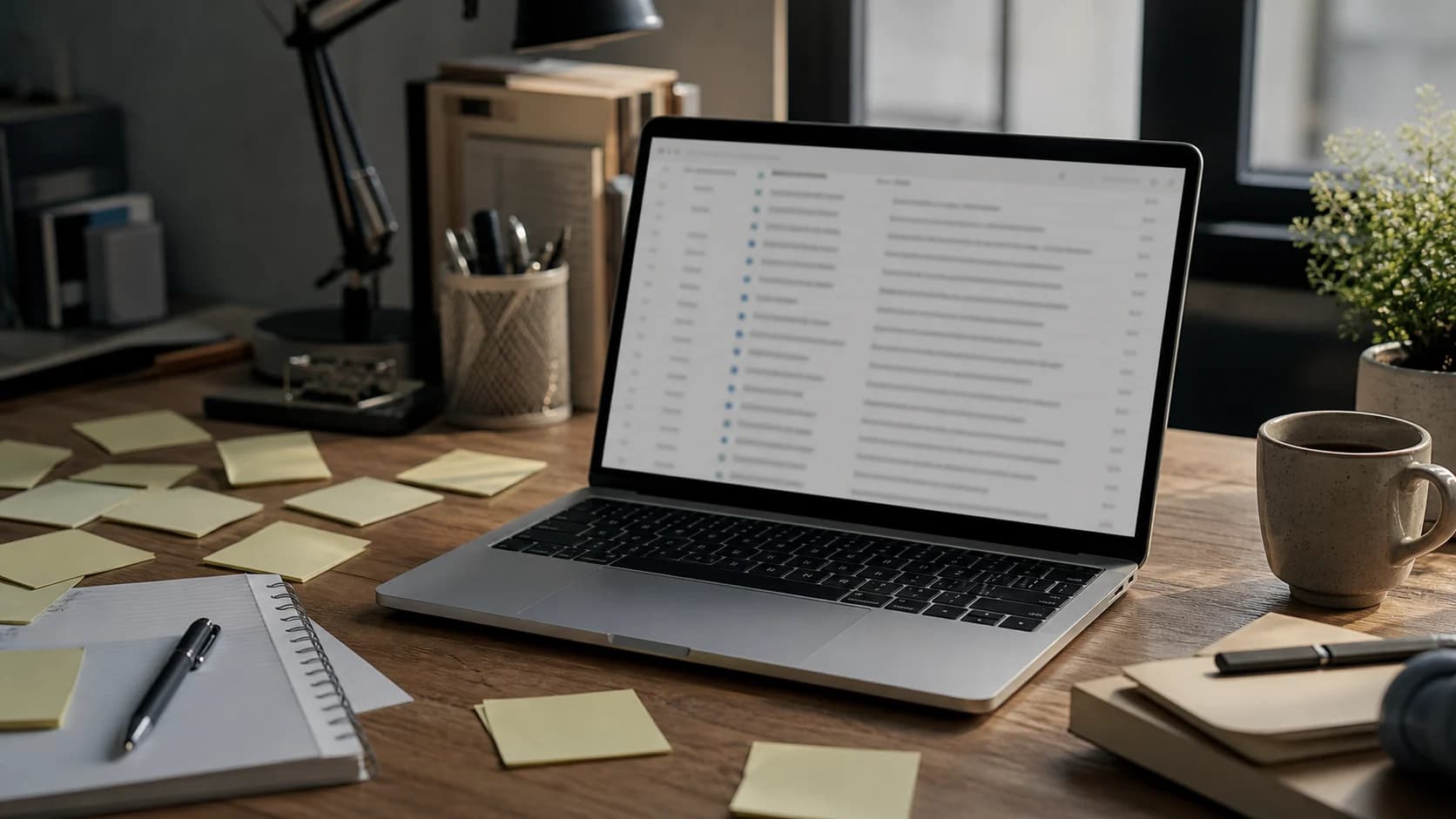
Gloria Mark's research at the University of California, Irvine found that removing email access for a work period made people multitask less and experience less stress. That is the clue most inbox-zero advice misses. The problem is not only the minutes you spend reading email. It is the background load of unfinished, unprocessed messages tugging on your attention between checks.
Short answer: a full inbox drains focus because it acts like a pile of open loops. But making literal inbox zero the goal can backfire if it trains you to check constantly. The better system is to close loops in batches: a few scheduled processing windows plus a one-touch decision rule.
Why a full inbox costs more than email time
Sophie Leroy's work on attention residue explains why unfinished tasks follow you into the next task. When part of your attention is still stuck on a prior obligation, your next task gets a smaller, messier version of you. Email is perfect residue fuel because every unread message might be a decision, request, problem, or social obligation.
That is why an inbox can feel heavy even when you are not looking at it. Your brain keeps a small scanner running: Did I miss something? Should I answer that? Was there a deadline in there? The cost is not one dramatic interruption. It is the quiet tax of re-checking.
The inbox-zero trap
Inbox zero is useful if it means every message has been decided. It becomes a trap when it means the inbox must visually stay empty all day. That goal rewards checking. You clear it, something new arrives, and your brain gets a tiny alarm: go restore zero.
Now the system that was supposed to reduce mental clutter becomes another background tab. You are not managing email anymore. You are maintaining a fragile scoreboard.
A saner system: close loops in batches
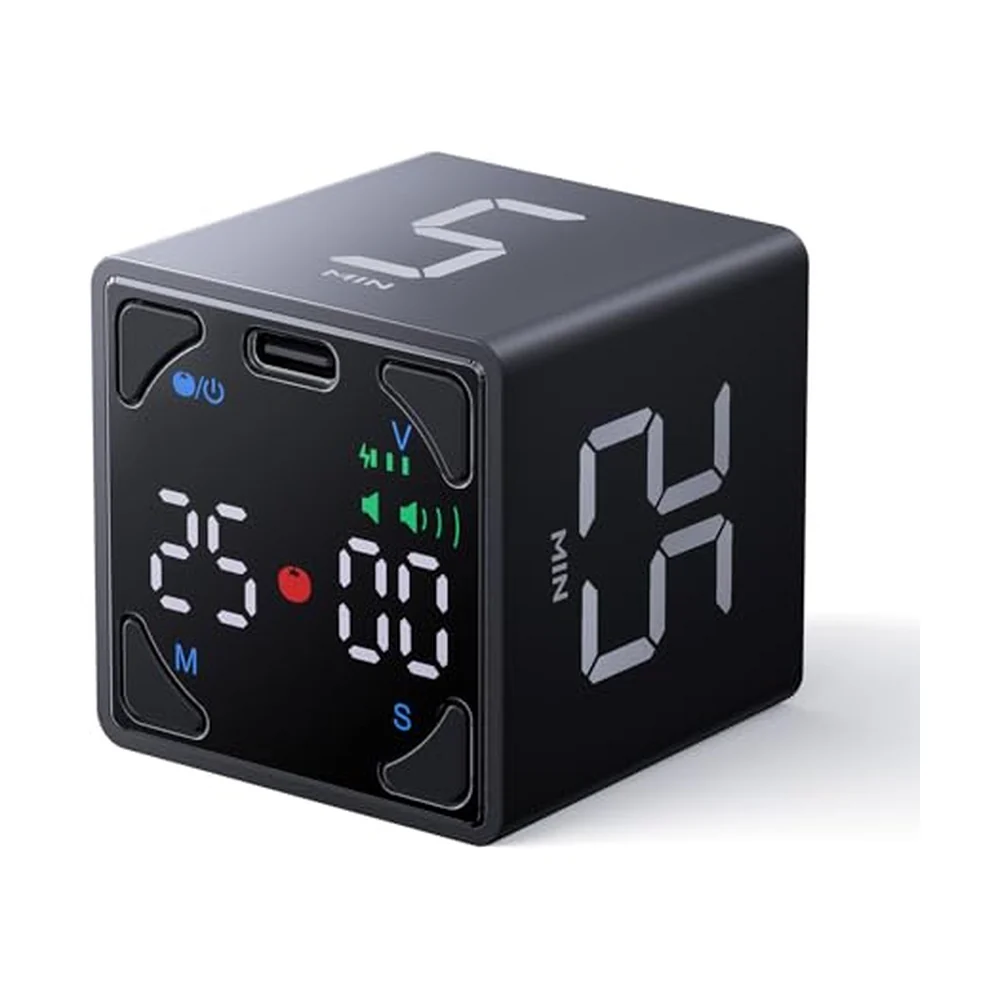
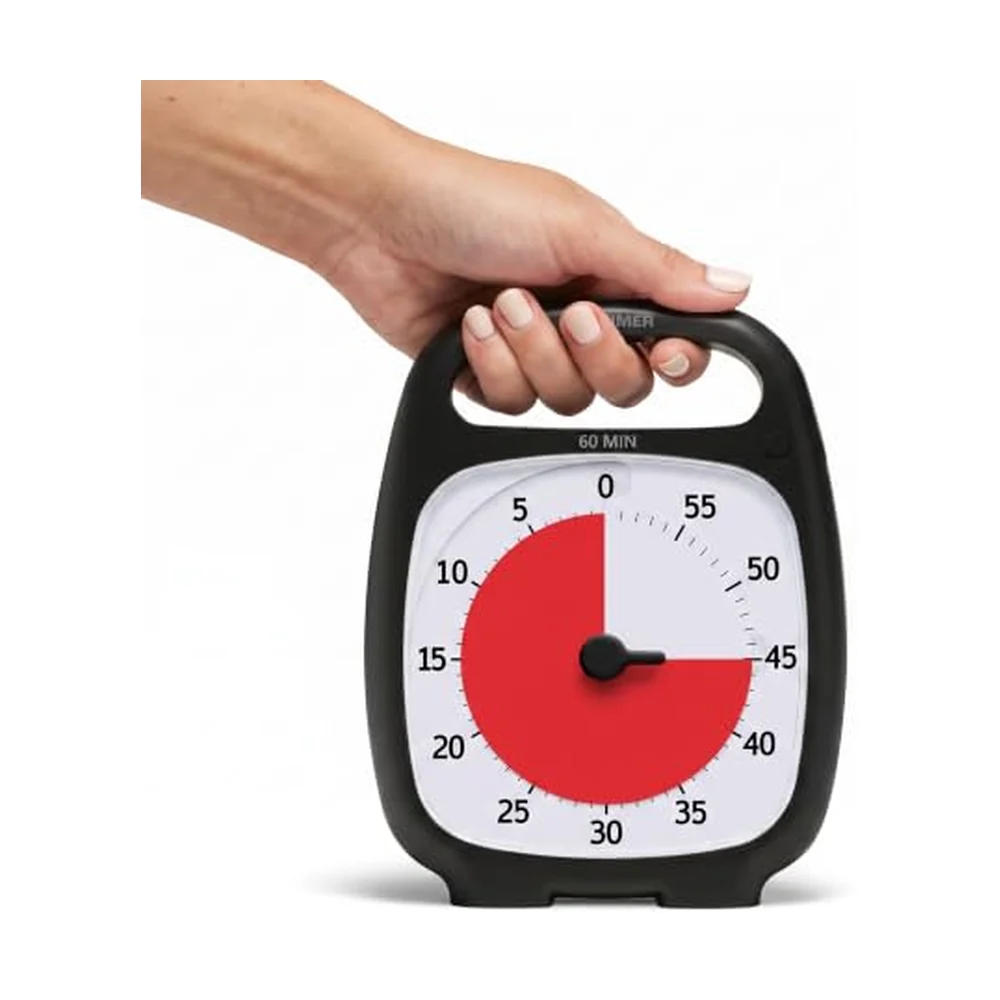
- Pick two or three email windows. For many knowledge workers, late morning and late afternoon are enough. Customer-facing roles may need more, but they still need defined windows.
- Turn off noncritical notifications. Microsoft Research field work on notifications describes the awareness benefit and disruption cost of workplace alerts. Keep true emergencies separate from routine inbox noise.
- Use one-touch triage. Every opened message gets one decision: do it now if it takes under two minutes, defer it to a task or calendar, delegate it, archive it, or delete it.
- Keep a waiting-for list. If the next action belongs to someone else, put it somewhere outside the inbox. Do not reread the same thread to remember.
- End with a closed-loop note. The Brain Deck calls this a Capture move: write the next email window or top reply target before leaving the inbox.
What to do when the inbox is already out of control
Do not start by cleaning everything. Start by separating old from live. Create a temporary folder for older mail, then process the last one to two weeks first. Search beats scrolling. If an old message matters, it will resurface by query, sender, or follow-up.
Then protect the new rule: email is processed, not watched. If you need help with the switching cost underneath this, read the real cost of context switching. If the volume itself feels impossible, start with feeling overwhelmed at work.
Frequently asked questions
Is inbox zero bad?
No. It is bad only when zero becomes a constantly maintained visual state. The useful target is decided messages, not an empty screen every minute of the day.
How often should I check email?
Use the fewest windows your role can tolerate. Many people can start with two or three. If your job requires faster response, make those windows more frequent but still explicit.
What is the fastest first step?
Turn off noncritical email notifications for one work block and schedule the next email window on your calendar. That one boundary is often enough to feel the difference.
The Brain Deck's Overwhelmed cards are built for this kind of overload: not doing more, but putting edges around what keeps leaking into attention. An inbox does not need to be empty to stop draining you. It needs a place in the day where decisions actually get closed.
What people on Reddit actually say
- r/productivity⬆ strong consensus
People who escape inbox overwhelm tend to stop treating email as a live feed. The recurring advice is to schedule processing windows and move real tasks out of the inbox.
- r/GetMotivated💬 commonly repeated
The common frustration with inbox zero is that it becomes another thing to maintain. Users prefer a decided-inbox rule over a visually empty inbox rule.
Paraphrased consensus from public threads — no direct user quotes.
Tools that help with this

Ready to get unstuck?
The Brain Deck gives you 52 science-backed strategies in your pocket — a physical card deck you keep on your desk, no app required.
See the CardsLaunching soon · 54 cards · Premium matte finish