12 Productivity Tools That Aren't Apps (2026 Picks)
Tired of productivity apps that become distractions themselves? These 12 analog tools help you focus, plan, and get things done without a screen.
By The Brain Deck Editorial
Analog tools win by living somewhere your phone notifications don't — a kitchen timer and an index card outperform most productivity apps.
Key Takeaways
- Analog tools win by not competing for attention — a notebook never pings you with notifications.
- Physical friction is a feature — writing by hand slows thinking enough to improve it.
- Single-purpose beats multi-tool — a kitchen timer and a whiteboard outperform most productivity apps.
- Visible placement does the reminding — a paper list on the desk works harder than a notification you swipe away.
The tools on this list, at a glance
Researched picks for the physical tools below. Each name links to a full write-up with how to choose and when to skip it.
| Pick | Best for | Price | |
|---|---|---|---|
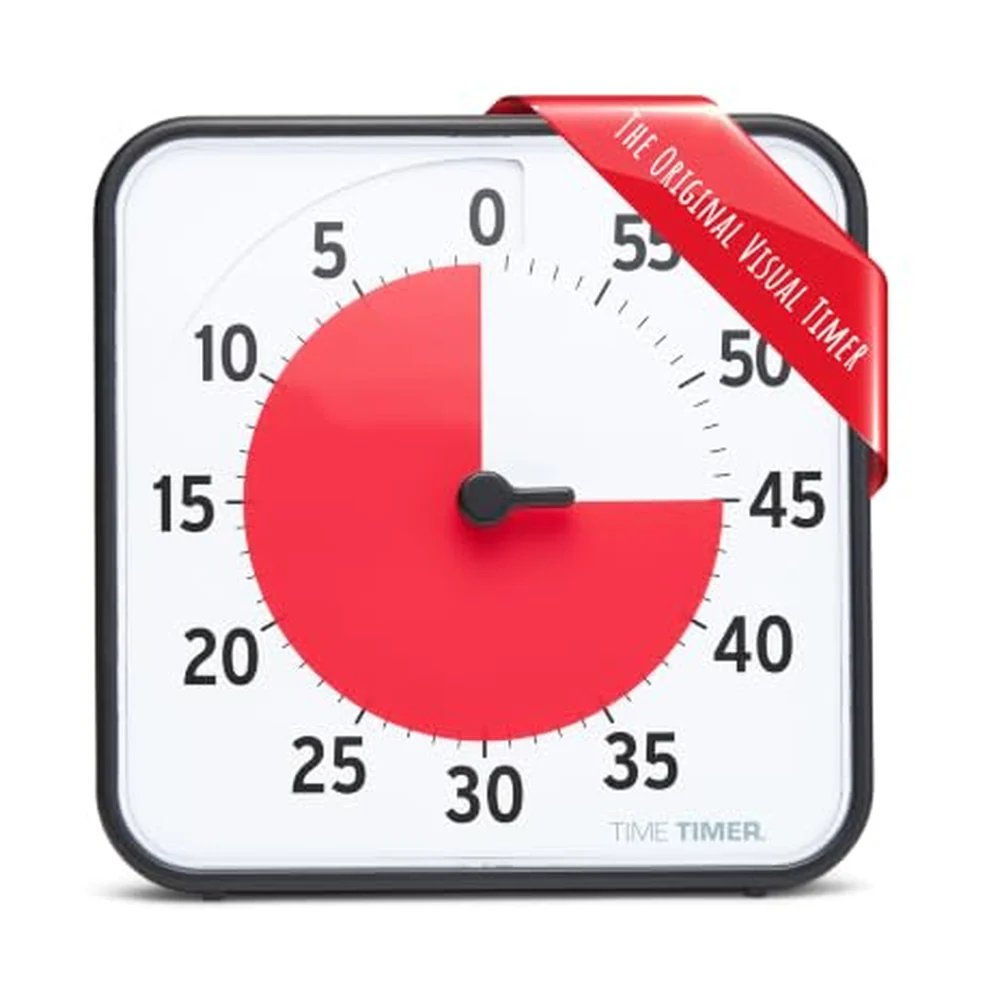
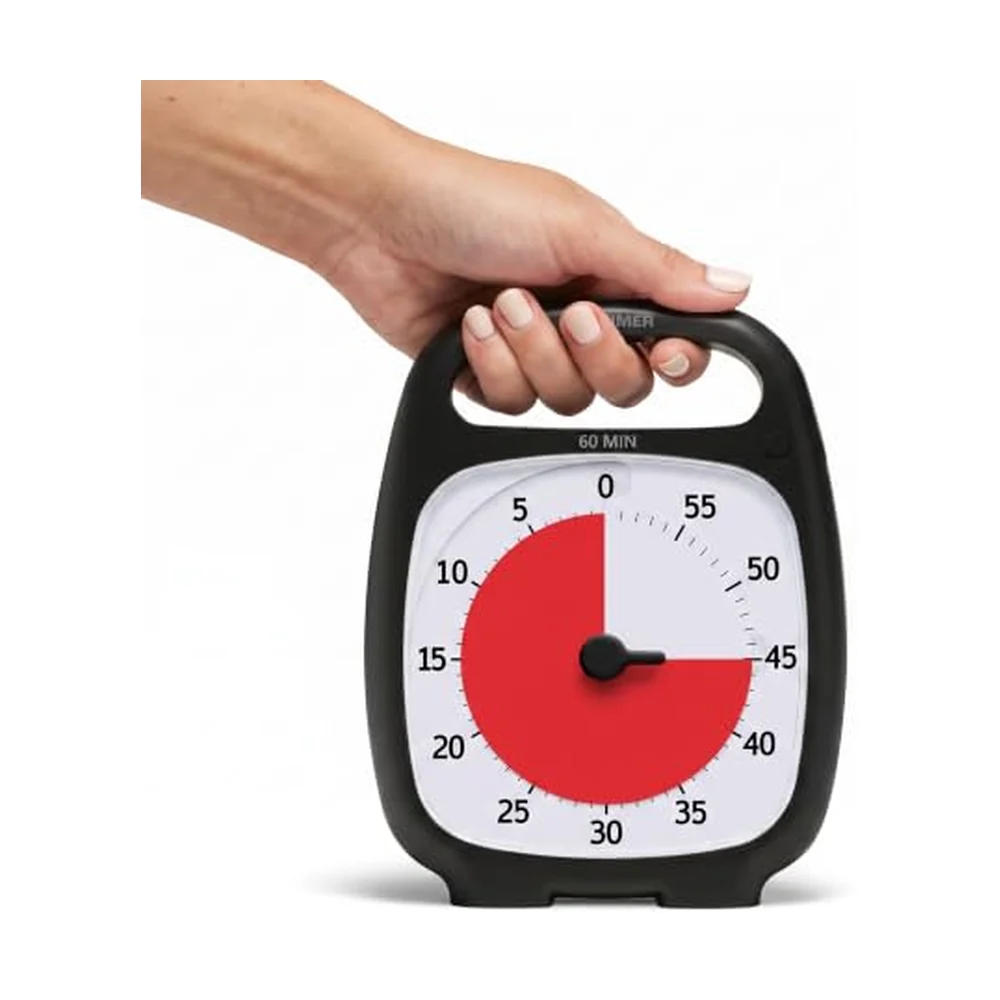
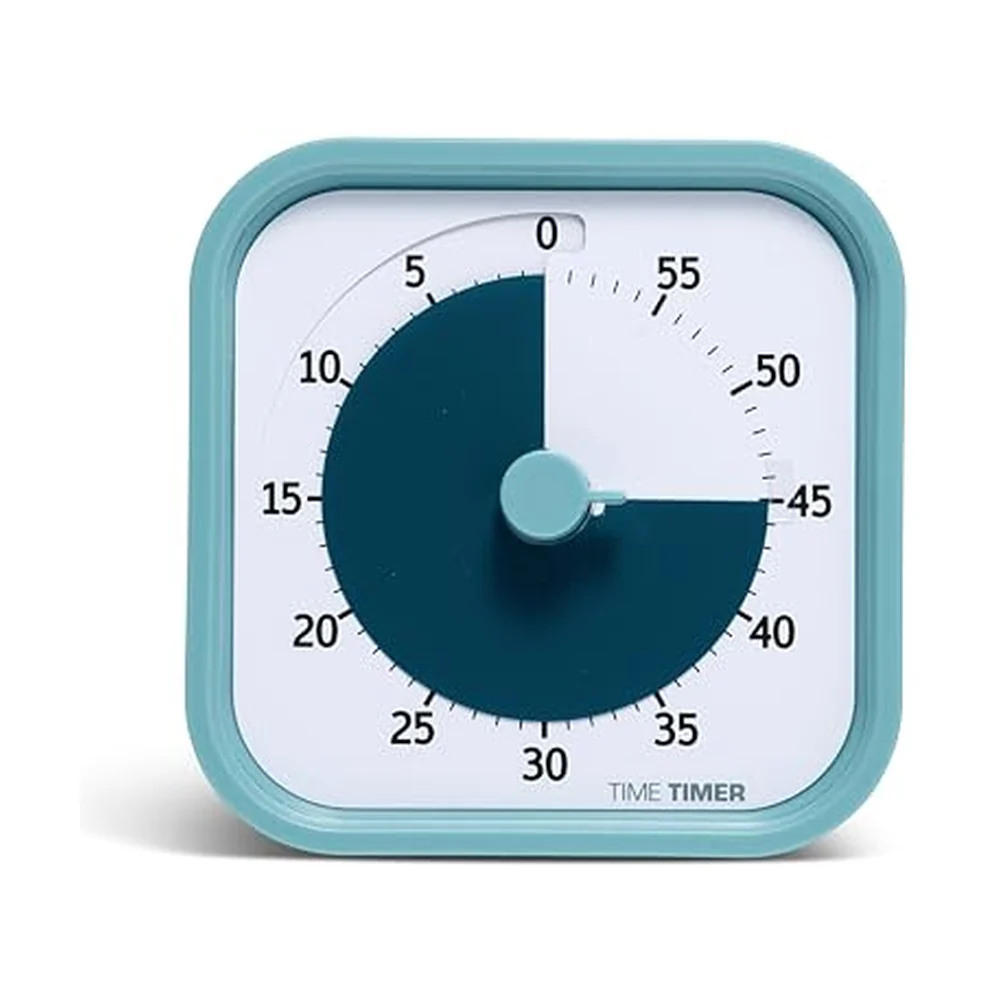 Visual TimersTime Timer MOD Home Edition | One person at a desk who needs a silent timer | $16.96 | Buy on Amazon |
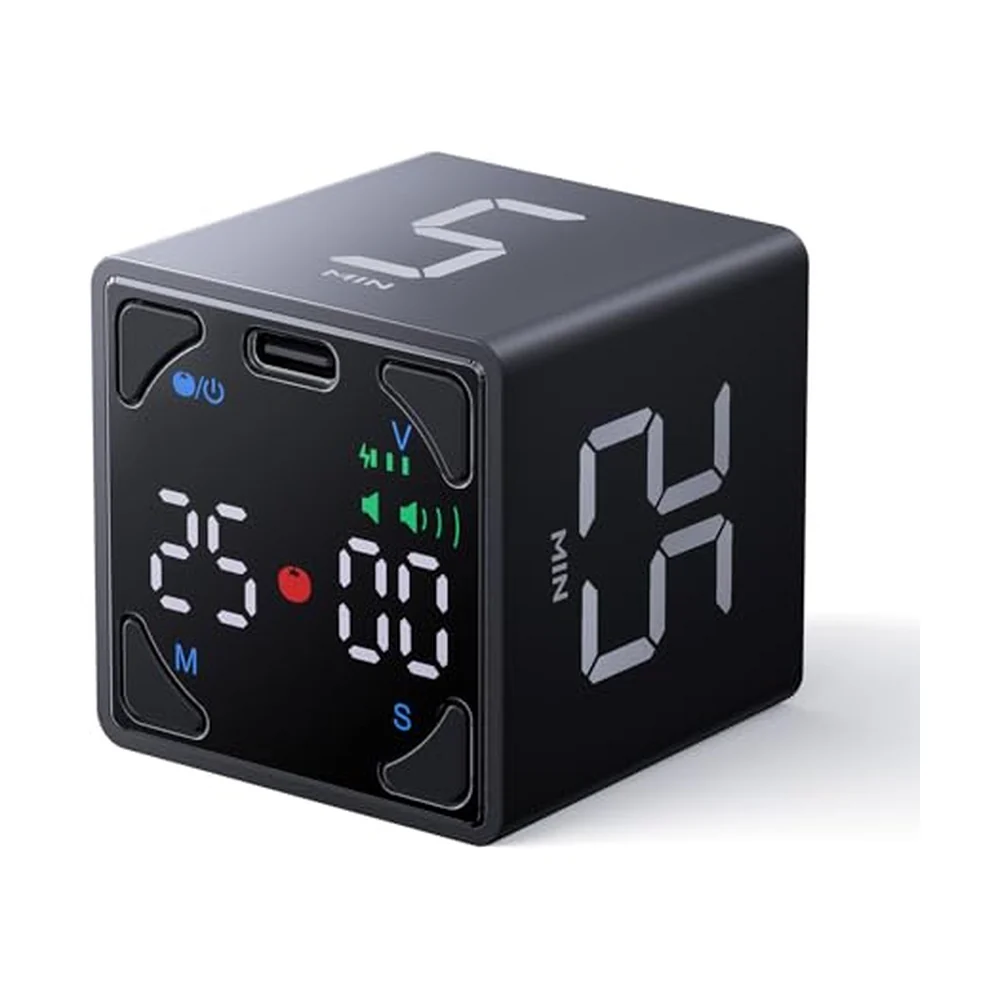 Visual TimersTicktime Pomodoro Timer Cube | Pomodoro users who want to start a session by flipping | $24.92 | Buy on Amazon |
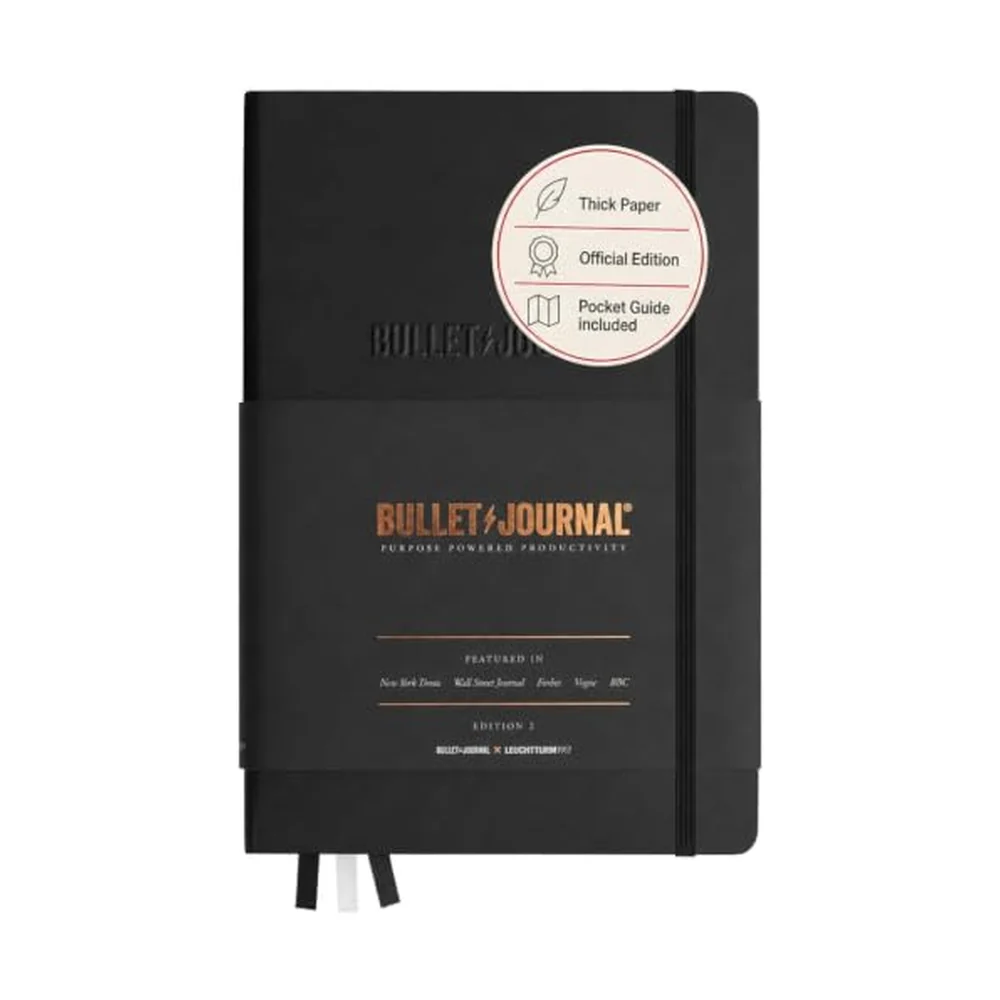
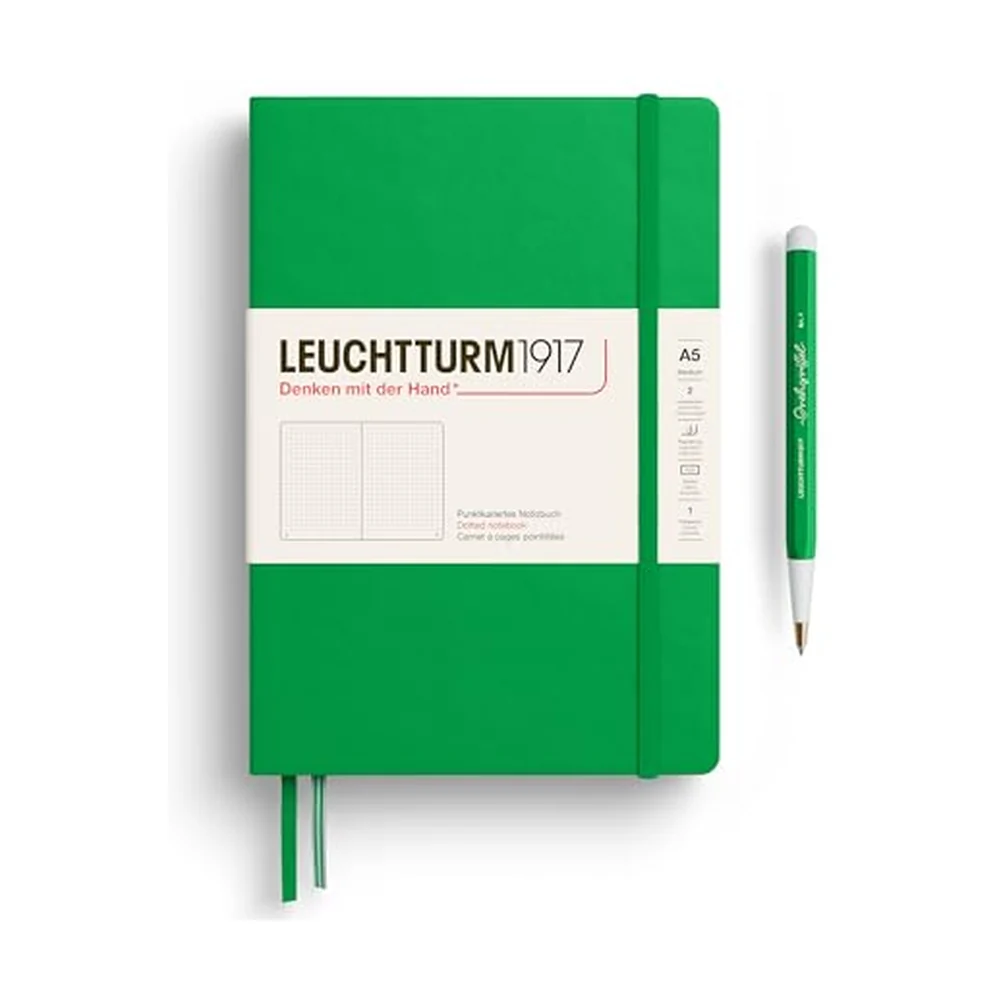 Notebooks & Index CardsLeuchtturm1917 Medium A5 Dotted Hardcover Notebook | Bullet journals and commonplace books you will actually index | $25.50 | Buy on Amazon |
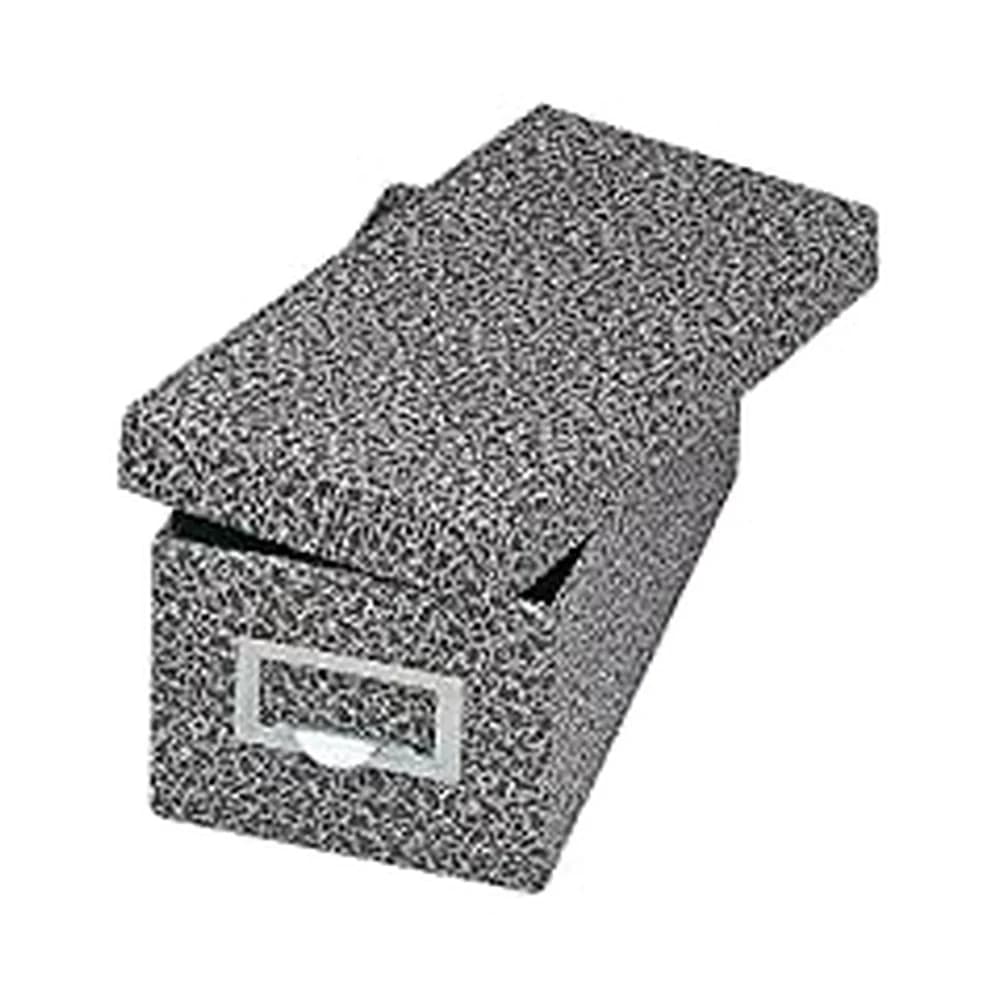
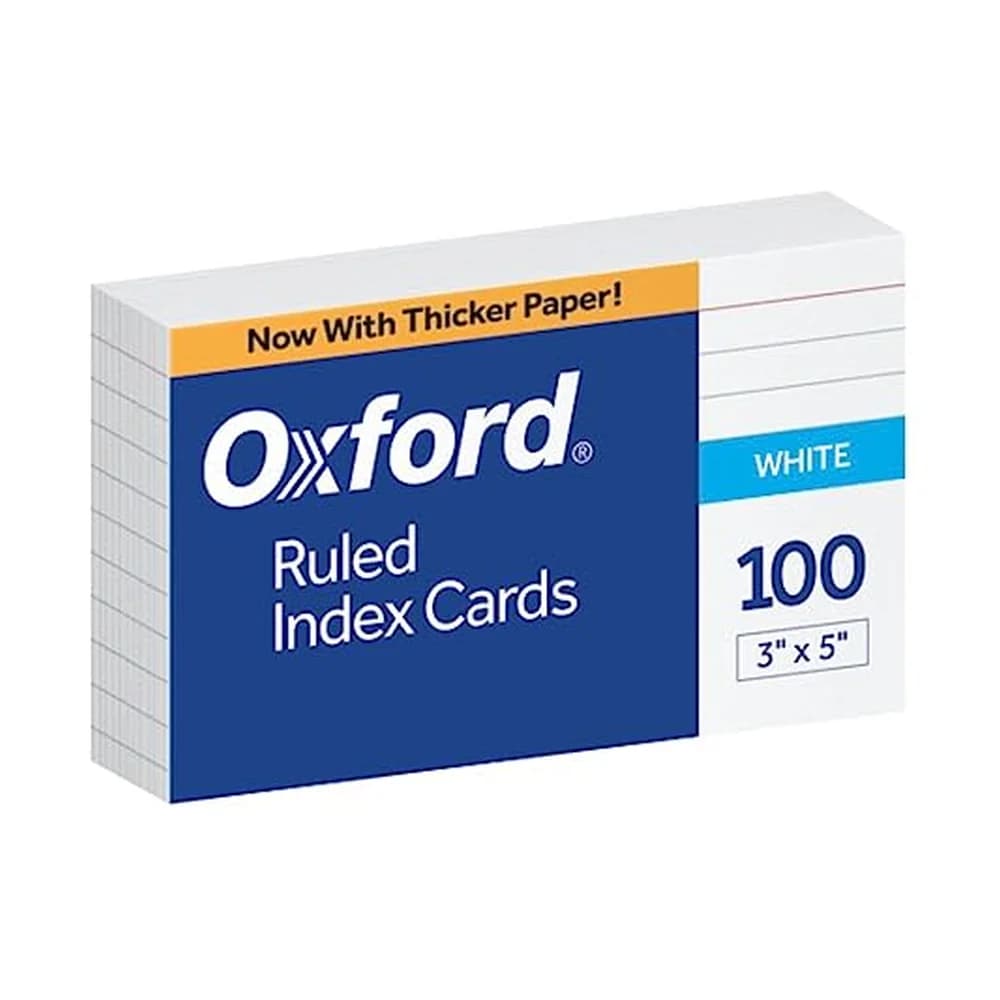 Notebooks & Index CardsOxford Ruled Index Cards, 3x5, White, 100-Pack | One task, idea or flashcard per card for a few dollars | $4.99 | Buy on Amazon |
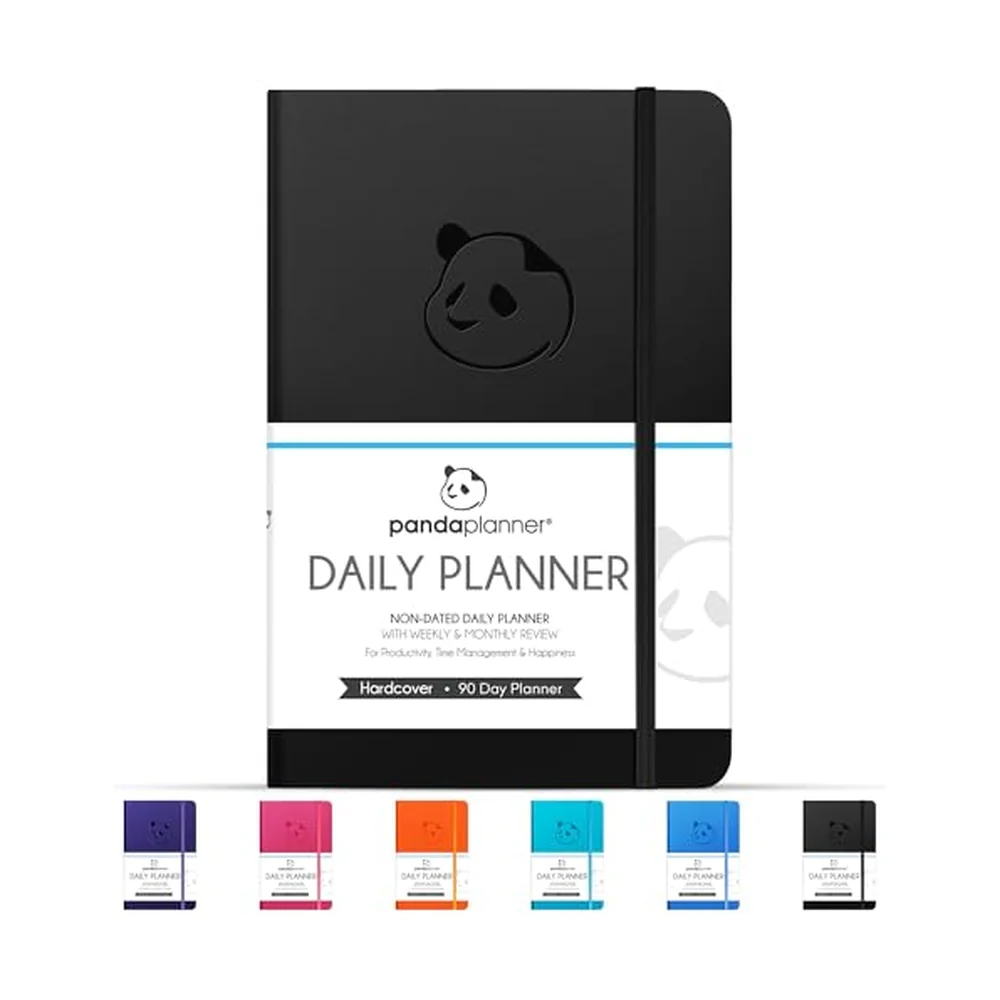 Undated PlannersPanda Planner Classic Undated Daily Planner | Daily priorities and a schedule without wasting skipped days | $24.87 | Buy on Amazon |
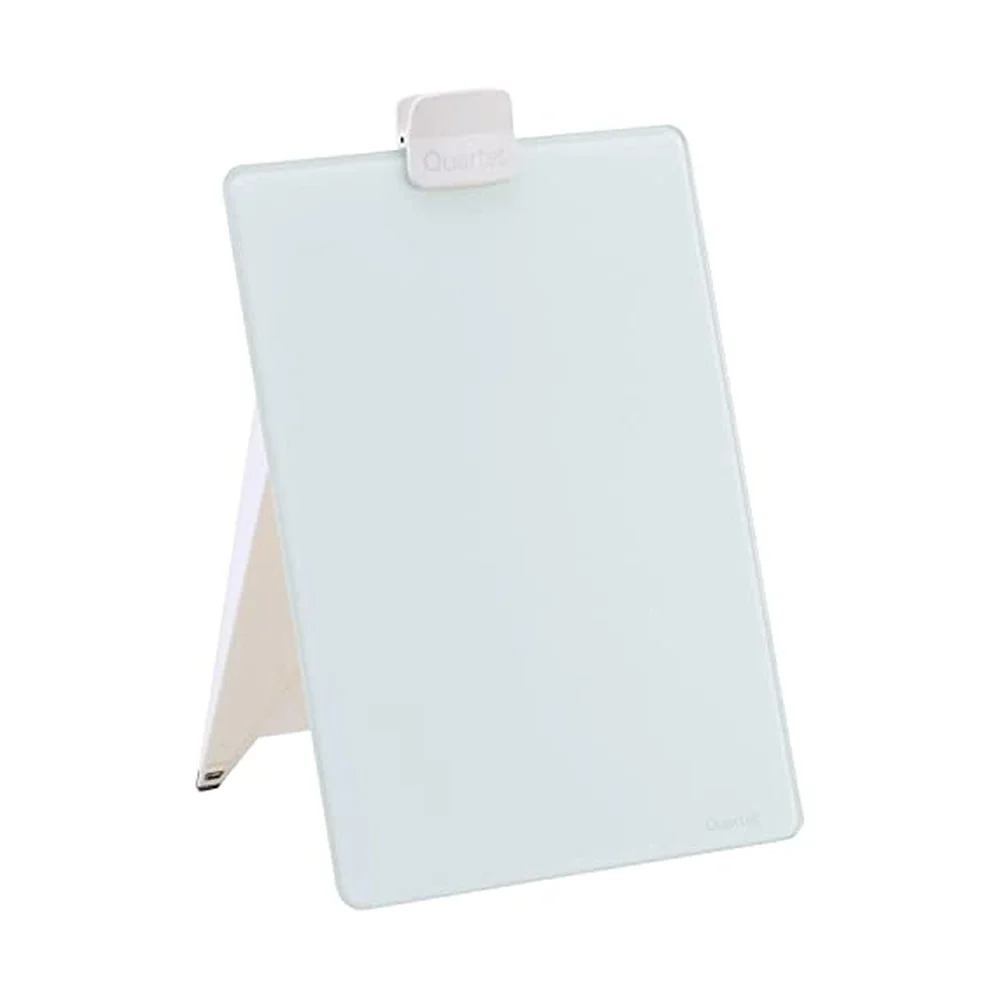 Desk WhiteboardsQuartet Glass Desktop Dry-Erase Easel, 9 x 11 Inches | A glass board that stands upright on the desk, in view all day | $26.16 | Buy on Amazon |
- Visual TimersTime Timer MOD Home Edition
One person at a desk who needs a silent timer
$16.96Buy on Amazon - Visual TimersTicktime Pomodoro Timer Cube
Pomodoro users who want to start a session by flipping
$24.92Buy on Amazon - Notebooks & Index CardsLeuchtturm1917 Medium A5 Dotted Hardcover Notebook
Bullet journals and commonplace books you will actually index
$25.50Buy on Amazon - Notebooks & Index CardsOxford Ruled Index Cards, 3x5, White, 100-Pack
One task, idea or flashcard per card for a few dollars
$4.99Buy on Amazon - Undated PlannersPanda Planner Classic Undated Daily Planner
Daily priorities and a schedule without wasting skipped days
$24.87Buy on Amazon - Desk WhiteboardsQuartet Glass Desktop Dry-Erase Easel, 9 x 11 Inches
A glass board that stands upright on the desk, in view all day
$26.16Buy on Amazon
As an Amazon Associate, The Brain Deck earns from qualifying purchases. It never changes what we recommend or the order we list it in.
Try this in the next 60 seconds
- Pick the productivity problem hurting most
- Match it to one analog tool below
- Buy or grab one item today, not five
- Use it daily for one week before adding another
Try this first
The most effective productivity tools often aren't apps — they're physical objects that eliminate digital distraction while giving your brain something tangible to work with. If you've tried every task manager and focus app and still feel unproductive, the problem might be the medium. Here are 12 analog tools that help people get things done without adding another notification.
Dr. BJ Fogg at Stanford has shown that environment design — placing the right tools in your physical space — is more reliable than motivation for driving behavior change. Research from Dr. Roy Baumeister suggests each digital decision drains the same limited willpower pool you need for actual work. Analog tools bypass this entirely. For more on how decision fatigue undermines productivity, see our guide.
Why Do Physical Tools Work Better for Some People?
Digital tools have a fundamental design flaw: they live on the same device as your distractions. Opening a task manager on your phone means passing through a gauntlet of social media icons and message badges. For people who struggle with focus, this friction is enough to derail a productive session.
Physical tools also engage your brain differently. Writing by hand activates motor memory and improves retention. Seeing a physical timer count down creates urgency a silent phone timer doesn't. If you've been struggling with why you can't focus, going analog might be the missing piece.
| Dimension | Productivity app | Analog tool ⭐ |
|---|---|---|
| Distraction surface | Shares a screen with Instagram, Slack, email | Zero adjacent apps |
| Time to start | Unlock → open → navigate → type | Pick up. Do. |
| Decision load | Tags, projects, priorities, views | One card, one action |
| Battery life | Subscriptions, updates, outages | Forever |
A productivity app lives on the same device as your distractions. Physical tools don’t.The digital-friction trap
1. The Brain Deck
The Brain Deck is a 52-card deck where each card provides a science-backed strategy for getting unstuck. Unlike an app that requires navigating menus when you're already struggling, The Brain Deck works through randomness and constraint — you draw a card based on how you feel and follow the prompt.
The tactile experience matters. Shuffling, drawing, and reading a physical prompt engages your hands and eyes in a way that breaks the screen-staring cycle. The science behind each strategy is printed on the back. Coming soon at thebraindeck.com.
2. A Bullet Journal
The bullet journal system, created by Ryder Carroll, uses rapid logging — short, bulleted entries with specific symbols — to capture tasks, events, and notes. What sets it apart is the index and migration system: at the end of each month, you review unfinished tasks and decide whether to move them forward, schedule them, or drop them.
This forced review makes you confront what you're doing with your time. If you keep migrating the same task, that's a signal worth paying attention to.
3. A Large Whiteboard or Glass Board
Whiteboards make your thoughts visible at a scale a notebook can't match, allow easy reorganization, and provide the satisfying act of erasing completed items. Use one for weekly planning, project mapping, or brain dumps when overwhelmed. The impermanence is a feature — it gives you permission to think messily.
4. A Physical Timer Cube
Timer cubes have preset times on each face — flip the cube to the desired side and the countdown begins. Common configurations: 5, 15, 25, and 60 minutes. They make time boxing effortless by removing the steps of unlocking your phone and setting a custom time. The physical presence creates gentle accountability without stress.
5. A Sticky Notes System
Sticky notes are the original agile board. Create a Kanban system on a wall: three columns labeled "To Do," "Doing," and "Done." The physical act of moving a note to "Done" provides a small dopamine hit that digital checkboxes can't replicate.
Sticky notes also work for the single-task method: write one task on one note, place it in front of your keyboard, do nothing else until it's done.
6. Index Cards
Index cards are the minimalist's productivity tool. Write one task per card. Stack them in priority order. Work through the stack. When done, tear it up or move it to a "complete" pile. The physical limitation prevents the overwhelm of staring at a long digital task list.
Research from Dr. Teresa Amabile at Harvard shows visible progress on meaningful work is one of the strongest drivers of motivation. A growing stack of completed cards provides exactly that.
7. A Mechanical Pomodoro Timer
The Pomodoro Technique — 25 minutes of focused work, 5-minute break — is one of the most researched productivity methods. A dedicated mechanical tomato timer adds a sensory dimension: the ticking creates subtle urgency, and the ring provides a clear boundary. Your phone stays elsewhere. Pair it with a long-form instrumental album — something like slow ambient music for focus — and your session has both a visual countdown and a steady sonic backdrop, without dipping back into Spotify's recommendation algorithm.
8. A Focus Planner with Time Blocks
Dedicated focus planners — Full Focus Planner, Panda Planner — provide structured daily and weekly layouts that incorporate goal-setting, time blocking, and reflection. They build productivity frameworks into the page layout, so you don't design a system from scratch.
For people who find blank planners overwhelming, the structure solves the "what do I write?" problem. Our guide on alternatives to planners explores other approaches.
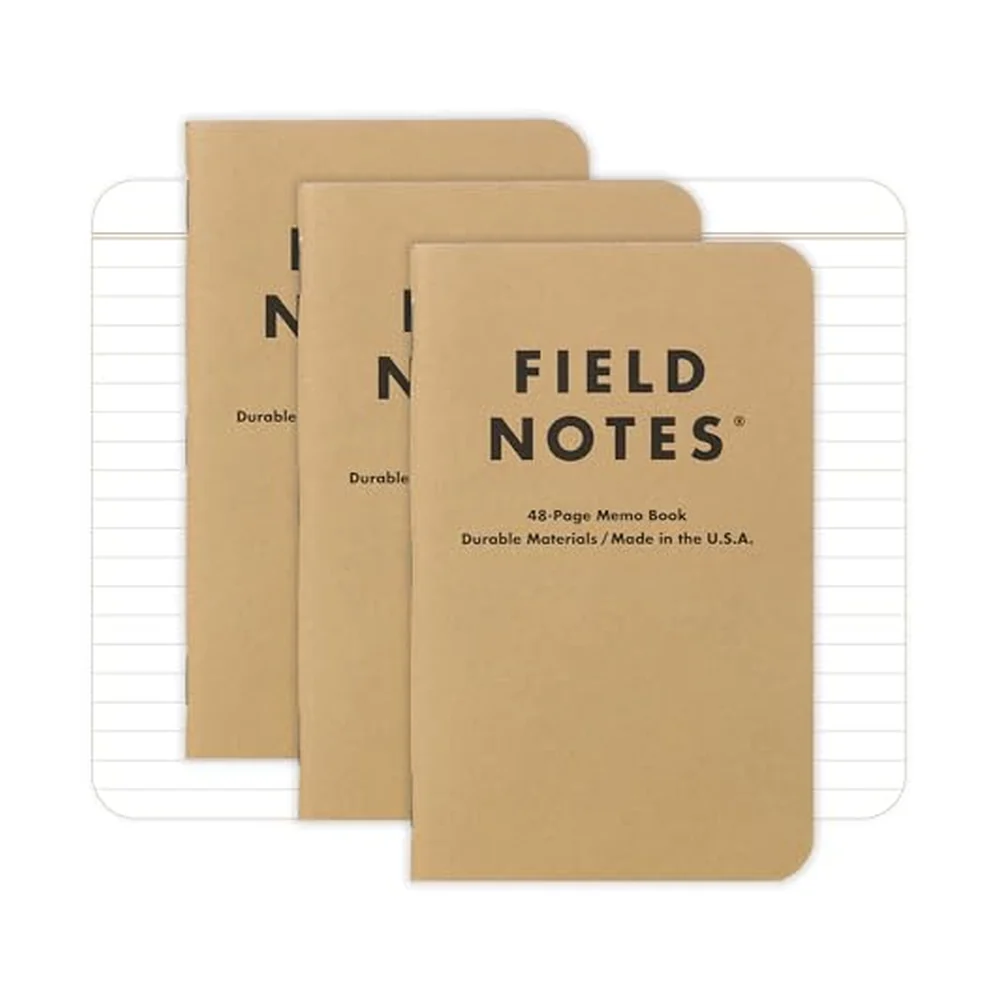
9. A Commonplace Notebook
A commonplace notebook is a single notebook where you capture everything — ideas, quotes, observations, tasks, sketches. The only rule: everything goes in one place. This solves the problem of scattered notes across multiple apps and notebooks.
The value compounds over time. Flipping through old pages surfaces connections between ideas you'd never find in siloed digital tools.
10. A Distraction Notepad
Keep a small notepad for capturing distractions. When a thought pops up during focused work — "I should check that email," "What's the weather this weekend?" — write it down and return to work. Address the list later during a break.
This acknowledges that distracting thoughts will arise while preventing them from derailing your focus. It's a core strategy in Dr. Mihaly Csikszentmihalyi's research on maintaining flow states.
11. A Visual Progress Tracker
Wall calendars with checkboxes, habit-tracking posters, or a jar of marbles (move one from "to do" to "done" per session) create visible evidence of consistency. This leverages the "Seinfeld Strategy" — don't break the chain. The physical visibility creates motivation a hidden app notification cannot match.
12. A "Parking Lot" Board
A parking lot is a designated space — a corner of a whiteboard, a corkboard — where you place ideas, projects, and tasks that aren't relevant now but shouldn't be forgotten. It acknowledges the thought, stores it visibly, and frees your working memory.
This is especially useful for people who feel overwhelmed at work. Not everything needs to be active. Some things just need to be parked.
Finding the Right Analog System
You don't need all 12 tools. Start with one or two that address your specific struggle. If your problem is starting tasks, try The Brain Deck or a single-task sticky note. If it's staying focused, try a timer cube and distraction notepad. If it's tracking progress, try index cards or a visual tracker.
The common thread: physical tools create boundaries that digital tools dissolve. They limit your options, engage your senses, and keep your phone in your pocket. Sometimes the most productive thing you can do is pick up a card, a pen, or a timer — and get to work.
| Dimension | Productivity App | Analog Tool |
|---|---|---|
| Distraction surface | Same screen as Instagram, Slack, email | Zero adjacent apps |
| Time to start | Unlock → open → navigate → type | Pick up. Do. |
| Decision load | Tags, projects, priorities, views | One card, one action |
| Battery | Subscriptions, updates, outages | Forever |
Common mistake
What people on Reddit actually say
- r/productivity⬆ strong consensus
r/productivity threads periodically swing back to paper, kitchen timers, and index cards. Users who tried every app often land on a single notebook as the tool that actually stuck.
- r/ZenHabits💬 commonly repeated
r/ZenHabits consensus: digital tools add cognitive load even when helpful. Many people report feeling lighter and more productive after consciously downgrading to analog.
- r/getdisciplined💬 commonly repeated
r/getdisciplined regulars describe paper systems as forgiving — no sync issues, no battery, no app updates. Boring tools outlast exciting ones.
Paraphrased consensus from public threads — no direct user quotes.
Pull a card · free sample
Tired of apps that distract more than they help? Pull from the 'I Can't Start' suit — the deck itself is an analog tool.
Pull a random card →
Tools that help with this
Ready to get unstuck?
The Brain Deck gives you 52 science-backed strategies in your pocket — a physical card deck you keep on your desk, no app required.
See the CardsLaunching soon · 54 cards · Premium matte finish