How to use this visual timer
- 1
Pick a time
Tap a preset or type minutes and seconds. The disc redraws straight away, so you can see the size of the block before you start.
- 2
Press Start
Or click the dial and press the space bar. The colored wedge shrinks clockwise back toward 12 as time passes.
- 3
Glance, don't check
The point of a disc is that a glance is enough. Hide the numbers if counting seconds makes you watch the clock instead of the work.
- 4
Go full screen for a room
Full screen shows only the disc and a large readout, sized to the display. Press F or Esc to leave it.
- 5
Stop at zero
A soft three-note chime plays and the dial pulses. Turn the chime off for a library or a shared office; the pulse still shows.
Reading a 60-minute dial
On a 60-minute face each minute is 6 degrees of the circle (360 ÷ 60), so the wedge is a direct picture of the share of the hour that is left. This is the arithmetic behind the default face.
| Minutes left | Wedge angle | Share of the face |
|---|---|---|
| 1 min | 6° | 1.7% of the face |
| 5 min | 30° | 8.3% of the face |
| 10 min | 60° | 16.7% of the face |
| 15 min | 90° | 25% of the face |
| 20 min | 120° | 33.3% of the face |
| 25 min | 150° | 41.7% of the face |
| 30 min | 180° | 50% of the face |
| 40 min | 240° | 66.7% of the face |
| 45 min | 270° | 75% of the face |
| 50 min | 300° | 83.3% of the face |
| 60 min | 360° | Full disc |
The Full disc face instead scales the circle to whatever time you set, so a 10-minute timer starts as a whole disc. Times over 60 minutes always use it.
Common visual timer lengths
There is no correct length. These are the presets most people reach for and where the less obvious ones come from; any of them can be typed into the custom field above.
| Length | Good for |
|---|---|
| 1 min | A one-minute tidy-up, a breathing pause, or a quick test that the alert is loud enough. |
| 2 min | Getting started: commit to two minutes on the task you are avoiding, then decide whether to keep going. |
| 5 min | A short break between work blocks, or a five-minute warning before a transition. |
| 10 min | Clearing the desk, answering a batch of messages, or a short reading slot. |
| 12 min | The short block in the Maastricht break study: 12 minutes of study, then a 3-minute break.Source: British Journal of Educational Psychology (via Europe PMC) |
| 15 min | A quarter of the dial. Handy for chores, a class activity, or a timed brain dump. |
| 24 min | The Pomodoro-style block in the Maastricht break study, followed by a 6-minute break.Source: British Journal of Educational Psychology (via Europe PMC) |
| 25 min | One Pomodoro, the session length the official Pomodoro Technique site describes.Source: The Pomodoro Technique (Francesco Cirillo's official site) |
| 30 min | Half the dial. A common length for a focused block or a class work period. |
| 45 min | Three quarters of the dial, for a longer deep-work or study block. |
| 60 min | A full disc: the longest setting on a standard 60-minute disc timer such as the Time Timer MOD.Source: Time Timer (manufacturer product page) |
Does a fixed timer change anything?
Where the shrinking red disc comes from
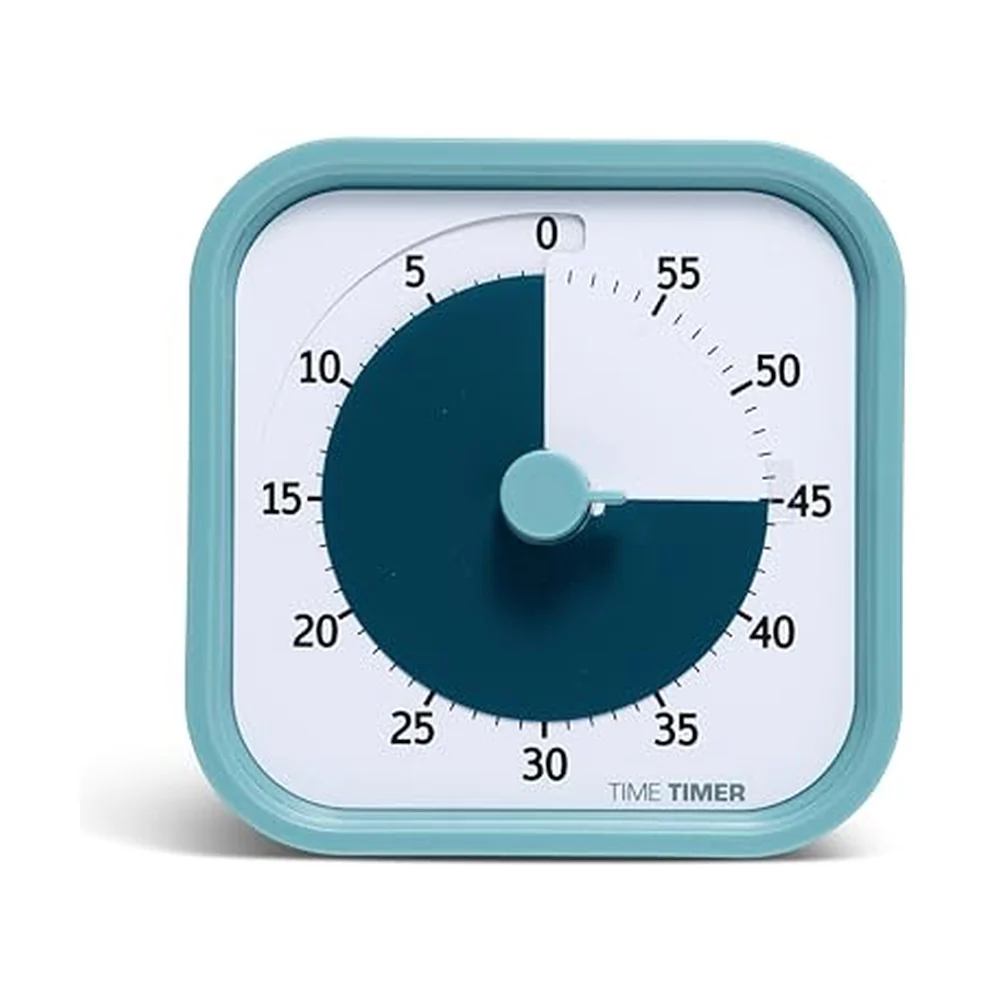
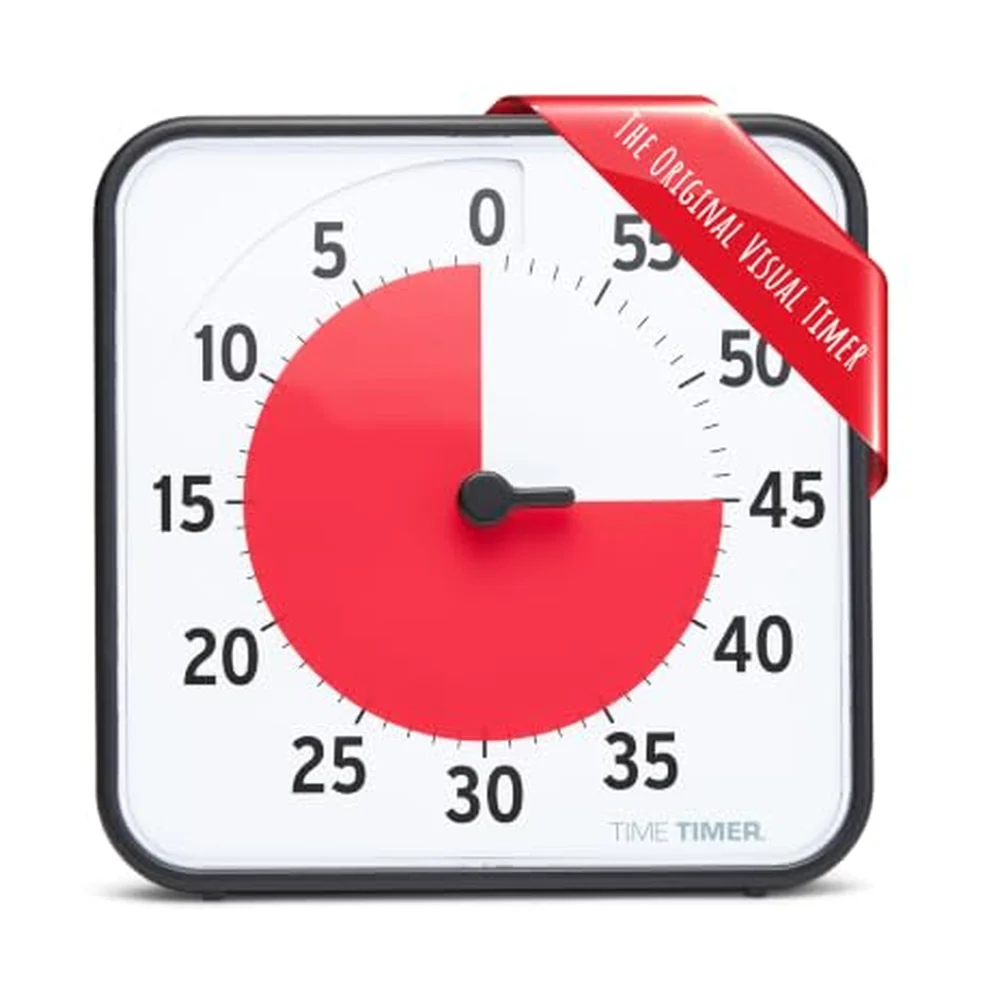
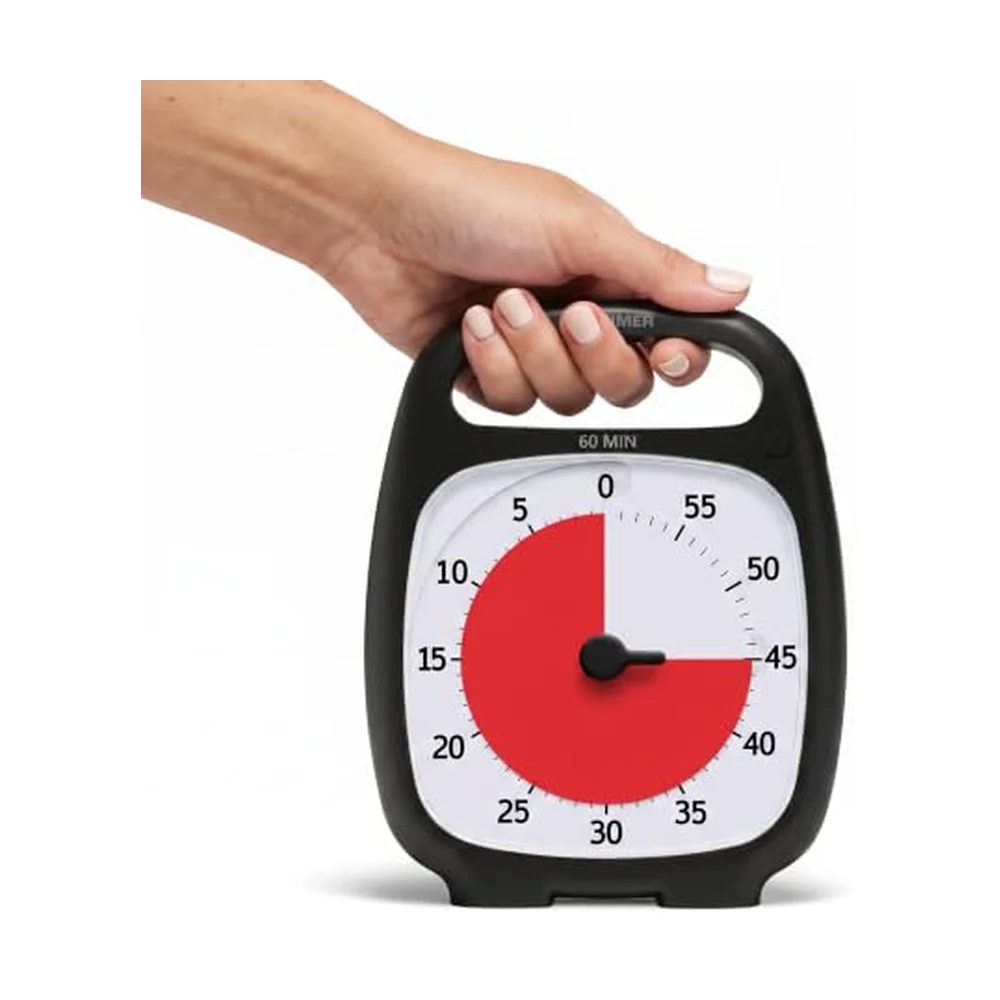
The disc design is usually traced to the Time Timer. In the company's own account, Jan Rogers created the original visual timer almost 30 years ago because her youngest child struggled to move from one routine to the next. The company describes the mechanism simply: you move the colored disk to the time you want, it disappears as time elapses, and time is up when the disk is gone. Its MOD Home Edition is a 60-minute timer with no loud ticking, which is why the default face here is a 60-minute dial.
Timers that you can see are also the root of the Pomodoro Technique. According to the official Pomodoro Technique site, Francesco Cirillo began developing it in the 1980s with a tomato-shaped kitchen timer, and it works in 25-minute sessions, though the site stresses the method is more than a sequence of them. Our Pomodoro technique guide covers the rest of the method.
How this tool works
- Timing: on Start the tool records the moment the countdown should end and redraws against your device clock. A background tab, a sleeping animation loop or a slow phone cannot make it drift; it catches up the moment the page is drawn again.
- The disc: drawn as an SVG wedge from 12 o'clock. On the 60-minute dial the wedge angle is minutes left × 6 degrees; on the full-disc face it is the share of your set time that is left.
- Alert: a three-note chime generated in your browser (no sound files), plus a pulse around the dial. Some browsers mute audio in background tabs, so keep the tab visible if you need the sound.
- Full screen: uses the browser's full-screen mode where it is allowed and a full-window view where it is not (iPhone Safari). While a timer runs it asks the browser to keep the screen awake, where supported.
- Privacy: your last time, color and face are saved in this browser's local storage only. Nothing is sent to a server and there is no account.
LOST TIME
The Visual Timer
Set a physical timer you can SEE. Work until it rings. No phone timers.
~25 min
Pair it with a Brain Deck card
The Visual Timer card is this page as a habit: set a timer you can see, put the phone somewhere else, and work until it rings. Pull it on the days starting feels impossible.
The Brain Deck is in production: 54 cards, no app. Pull a free sample card
Questions
What is a visual timer?
A visual timer shows the time left as a shape you can see shrink, usually a colored disc or wedge, instead of only digits. You can tell at a glance how much of the session is left without reading or calculating anything.
How do I use this visual timer online?
Pick a preset or type minutes and seconds, then press Start (or the space bar). The red disc shrinks as time passes and the timer chimes and flashes at zero. Press Full screen to fill the display for a room or classroom.
Does the timer keep running if I switch tabs?
Yes. It counts against your device clock, not against animation frames, so the time stays correct in a background tab, and the browser tab title shows the time left. Some browsers pause sound in background tabs, so keep the tab visible if you rely on the chime.
Can I use it as a visual countdown timer in a classroom?
Yes. Full screen mode shows only the disc and an optional large readout, and the page asks the browser to keep the screen awake while the timer runs where that is supported. Nothing needs installing and nothing is uploaded.
Which way does the disc move?
On the default 60-minute dial the red wedge starts at 12 o'clock and the minute numbers run counterclockwise, so as time passes the edge of the wedge moves clockwise back toward 12, the clockwise movement Time Timer describes for its own timers. The full-disc face always starts as a whole circle.
Is a physical visual timer better than an online one?
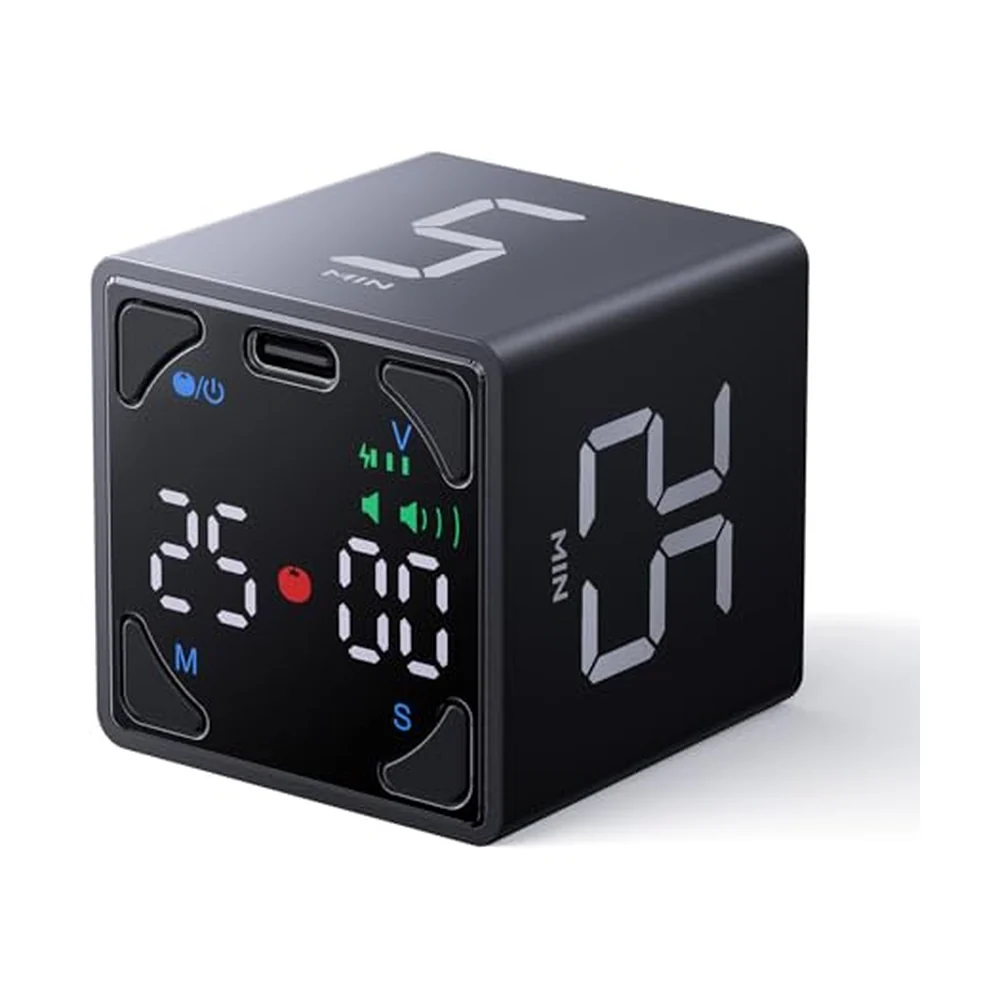
An online timer is free and fine at a desk you already work at. A physical one helps when the screen is the distraction, or when the phone or laptop needs to be out of reach. Our visual timer guide compares the silent disc timers and flip cubes worth buying.
Not sure what to spend the 25 minutes on? Sort the list first in the Eisenhower matrix, or track a daily timer session on a printable habit tracker.
Sources
- Our Story: Meet Jan RogersTime Timer. Used for: Jan Rogers invented the original Time Timer almost 30 years ago when her youngest child struggled with transitions; the colored disk disappears as time elapses, the timer operates in a clockwise direction, and time is up when the disk is gone.
- Time Timer MOD - Home EditionTime Timer (manufacturer product page). Used for: A 60-minute visual timer with no loud ticking, 3.6 by 3.6 inches, running on one AA battery.
- What Is the Pomodoro Technique?The Pomodoro Technique (Francesco Cirillo's official site). Used for: Cirillo began developing the technique in the 1980s with a tomato-shaped kitchen timer; the method uses 25-minute sessions but is more than a sequence of them.
- Biwer, Wiradhany, Oude Egbrink and de Bruin (2023). Understanding effort regulation: Comparing 'Pomodoro' breaks and self-regulated breaksBritish Journal of Educational Psychology (via Europe PMC). Used for: 87 students; fixed schedules of 24 minutes study + 6 minutes break, or 12 + 3, versus self-chosen breaks. Self-regulators reported more fatigue and distraction and less concentration and motivation, with no difference in task completion.
Last checked: November 5, 2026. The dial table is arithmetic, not a sourced claim. This page is general information about timing your work, not advice for any condition. How we research.
Analog tools for timed work