How to Make a Dopamine Menu That You'll Actually Use
A dopamine menu is a short list of good options you pick before you need them. Most fail because they live in the phone, run too long, or stay out of sight. Here is a 10-minute build, plus a sample menu sorted by minutes and energy.
By The Brain Deck Editorial
A dopamine menu is a short list of good activities you choose before you need them, so a stuck moment becomes a pick instead of a reach for the phone. Build it for one moment, keep it short and on paper, prep each item, and give desserts a timer.
Key Takeaways
- A dopamine menu separates planning from choosing. You decide on good options in advance, so the stuck moment becomes a pick from a short list instead of a fresh decision made on the way to your phone.
- It is behavioral activation under a new name. A Mayo Clinic physician describes it that way, and says it is useful for anyone managing their energy, not only people with ADHD.
- Most menus fail on logistics, not ideas. They live in the phone, run too long, need setup nobody did, or sit out of sight. Build it for one moment, cut hard, prep each item and post it where you stall.
- It is a focus tool, not a treatment. ADDitude is explicit that a menu is no cure for ADHD or burnout and no substitute for medication or therapy. If nothing on it appeals anymore, talk to a doctor.
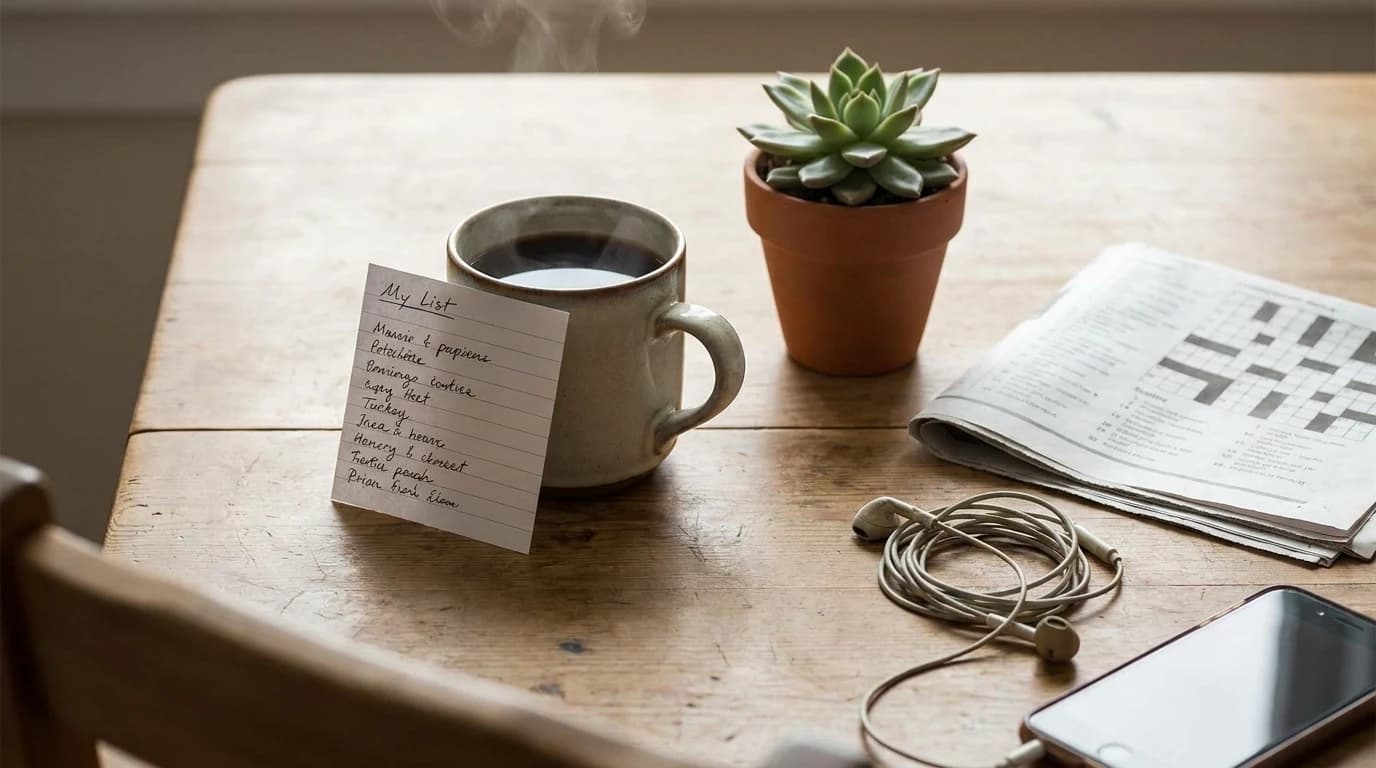
You finish a hard email, and before the next task the phone is already in your hand. Nobody decided that. It was simply the nearest option, because nothing else had been thought through.
A dopamine menu is a short list of activities you choose in advance, so the stuck moment becomes a pick instead of a fresh decision. ADDitude puts the whole idea in one phrase: separate the planning from the choosing.
What a dopamine menu is, and what it isn't
The format was popularised by Jessica McCabe of the How to ADHD channel, and UBC Science's student guide lays out the restaurant structure most versions copy:
| Course | What goes here |
|---|---|
| Starters | Short, low-effort activities that ease you back in |
| Entrées | More absorbing things that leave you satisfied |
| Sides | Add-ons that make a dull task easier to sit through |
| Desserts | Fun and easy to overdo, so order them in moderation |
| Specials | Occasional, bigger things that need planning |
Why most menus end up in a drawer
| How it fails | What it looks like | The fix |
|---|---|---|
| It lives on the phone | You open the notes app to read the menu and land in a feed | Keep the working copy on paper, off the device |
| It is too long | Thirty aspirational hobbies, so choosing is its own chore | Cut to what you would really pick |
| Nothing is ready | The guitar is in its case, the puzzle is in a cupboard | Set each item up before you need it |
| It is out of sight | Written once, never looked at again | Put it where your hand goes when you stall |
Build yours in ten minutes
UBC's guide suggests ten minutes and a notebook. Spend them like this.
1. Pick one moment, not your whole life
Write the situation at the top: "between meetings," "after dinner," "when I can't start the report." A long walk is lovely, but it does not belong on a menu for a five-minute gap.
2. Brainstorm into the courses
List things that have actually lifted your mood without leaving, in ADDitude's phrase, a hangover of regret. Not things that look wholesome online. Sort them into the courses, or rename those to "quick," "absorbing," "alongside" and "treat."
3. Cut what you wouldn't order
McCabe's rule, quoted in ADDitude: everything on the menu should be something you would actually order and could actually make. Restaurants drop dishes all the time, and so can you.
4. Prep the ingredients, and add friction to the feed
Make each item a one-step start, like ADDitude's example of a guitar left on a stand by the couch. Then add steps to what you want less of, such as charging the phone away from where you sit. Our guide to phone frictions has six ways to do that.
5. Post it where you stall
McCabe keeps copies on her coffee table, fridge and office wall, plus a mini version on her lock screen, so picking up the phone shows her the other options first.
A sample menu, sorted by minutes and energy
A starting point, not a prescription. Most items come from the examples ADDitude, Mayo Clinic and UBC give; the minutes are planning estimates, so include your own setup and cleanup. The last column names the scroll each item replaces.
| Minutes | Energy | Course | Menu item | Ready in advance | Swap the scroll |
|---|---|---|---|---|---|
| 3 | Low | Starter | Play one favourite song, start to finish | Playlist saved and downloaded | The "just checking" unlock after sending something |
| 3 | Low | Starter | Water the plants | Watering can by the sink | Refreshing the feed between calls |
| 3 | Medium | Starter | A few stretches or a minute of jumping jacks | Clear floor space by the desk | Scrolling to get through the afternoon slump |
| 5 | Low | Starter | Make a cup of tea | Mug and tea out on the counter | Scrolling while a file exports |
| 5 | Medium | Starter | Send a friend a voice message | One name decided in advance | Reading other people's updates instead of sending one |
| 10 | Low | Entrée | A crossword or one corner of a jigsaw | Puzzle left open on a side table | The after-dinner sofa scroll |
| 10 | Medium | Entrée | A short walk, phone in your pocket | Shoes by the door | The lunch break spent at the desk on a feed |
| 15 | Medium | Entrée | Play an instrument | Instrument on a stand, not in its case | The scroll that follows switching off the TV |
| 30 | High | Entrée | Cook something simple | Recipe written on a card | Watching cooking videos instead of cooking |
| Alongside | Low | Side | Music or a familiar audiobook while doing a dull chore | Headphones charged | Propping a feed up to "get through" the chore |
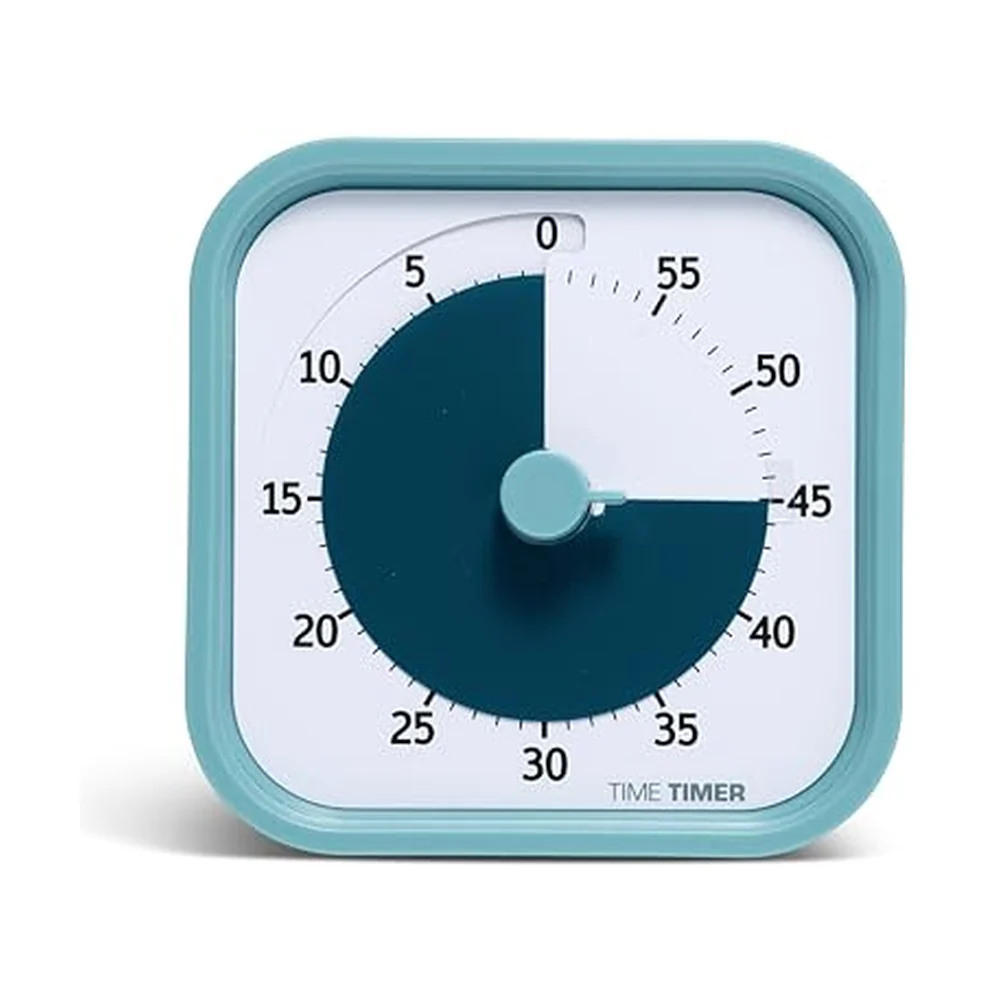
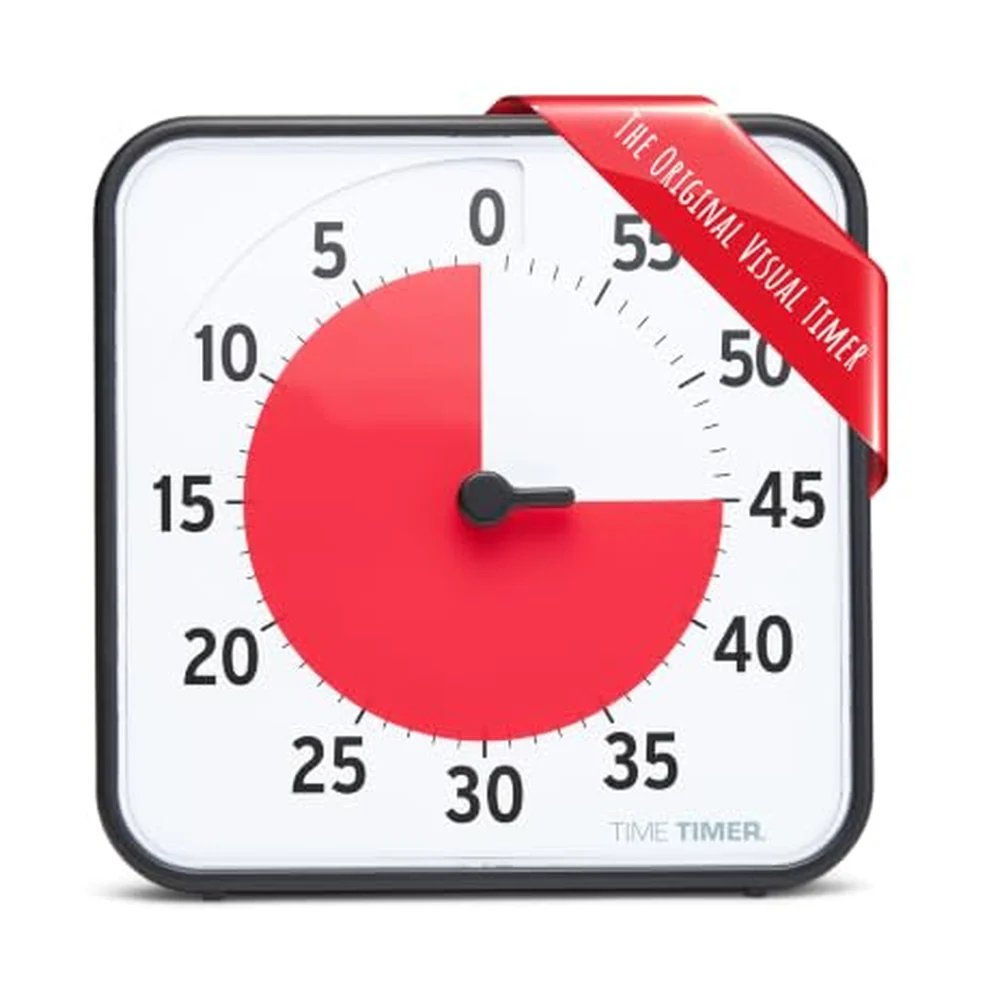
| Timer set | Low | Dessert | One episode or one saved video | Timer set before you press play | The open-ended feed, now ordered on purpose |
- 5courses on the classic menu, specials includedUBC Science
- 10 minto draft your first version with a notebookUBC Science
- 13:17an oddly specific break timer, suggested as an exampleMayo Clinic News Network
Desserts are allowed. Order them on purpose
Social media, TV and phone games usually sit in the dessert section. ADDitude describes desserts as the items that are easy to overdo, and McCabe's line is that dessert is fine sometimes, as long as you notice that dessert is what you ordered. If the feed keeps winning anyway, the doom-scrolling methods post covers why it is so sticky.
Why a physical menu beats a notes app
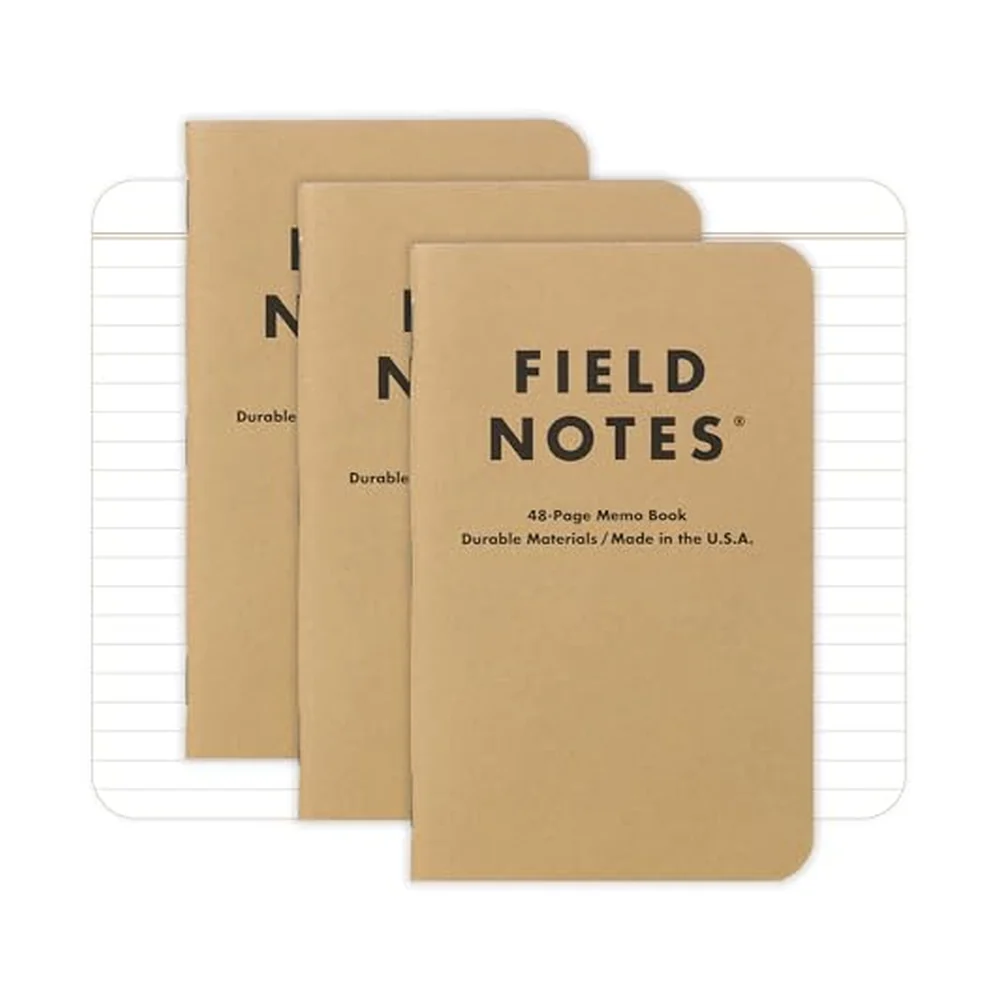
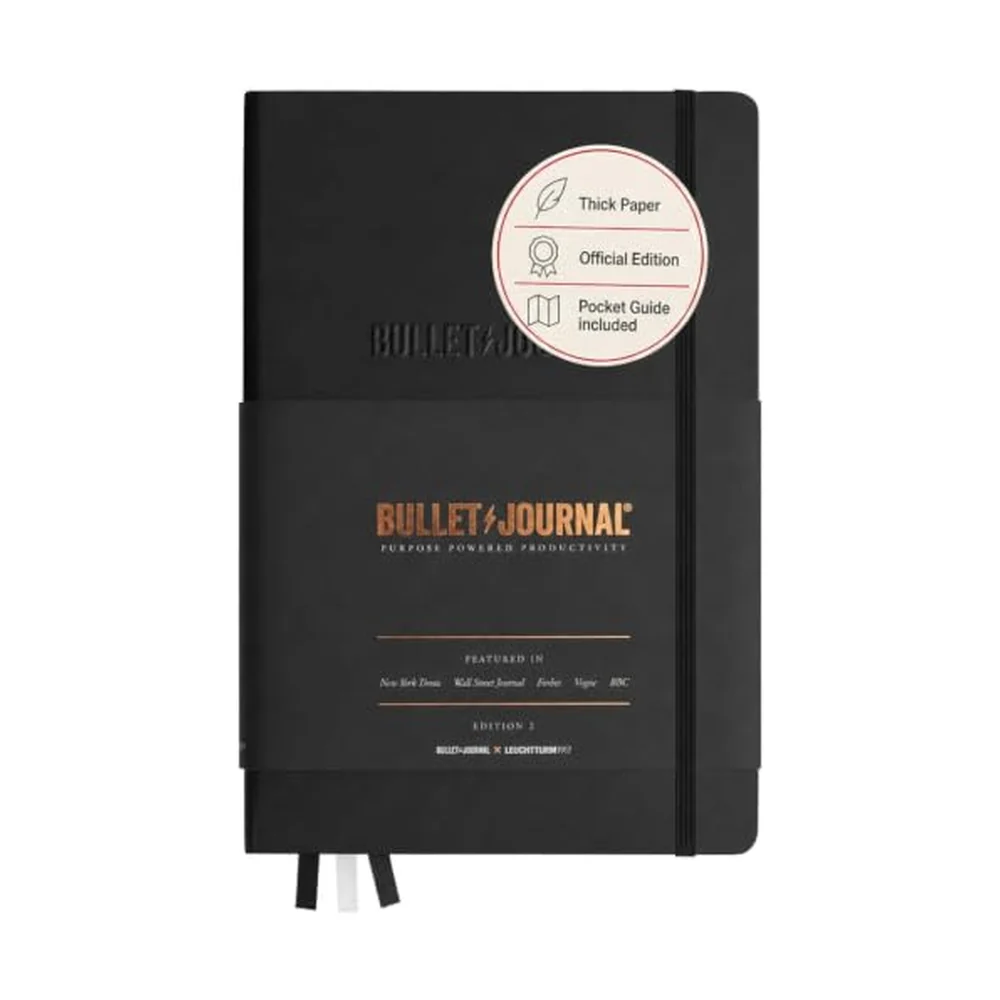
A menu inside the phone asks you to unlock the very device you are trying to put down. Paper removes that step, and so does anything you can hold: a card on the fridge, a note on the monitor, a stack of prompts on the desk. The screen-free reset post explains why a quick analog break works as a transition back to focus.
Dopamine menu FAQ
Do you need ADHD to use a dopamine menu?
No. The format grew up in the ADHD community, but the Mayo Clinic physician quoted above says anyone would benefit from knowing how to manage their energy.
How many items should a dopamine menu have?
Fewer than you think. Two or three per course is plenty for a first version, because a long menu turns picking into another decision. Drop anything that starts to feel like homework.
Does a dopamine menu actually raise your dopamine?
The name is branding. Nothing about the menu measures brain chemistry, and its value does not depend on that story: the decision is made before you are stuck, and the better option is ready.
Sources
Tools that help with this
Ready to get unstuck?
The Brain Deck gives you 52 science-backed strategies in your pocket — a physical card deck you keep on your desk, no app required.
See the CardsLaunching soon · 54 cards · Premium matte finish